قسائم التعبئة

ورقة لكل طرد: ما فيه ووزنه، ترافق بضاعة العميل.

قسيمة التعبئة تُعمل على إشعار توصيل لم يُؤكَّد بعد، عندما تخرج البضاعة في أكثر من طرد.

  1. افتح المخزون ← قسائم التعبئة واضغط إضافة.
  2. اختر إشعار التوصيل، ثم اكتب من رقم الطرد وحتى رقم الطرد.
  3. تحقق من المنتجات والكميات في الطرد، واكتب الوزن الصافي إن أردت.
  4. اضغط حفظ ثم تأكيد، واطبعها لتلصقها على الطرد.
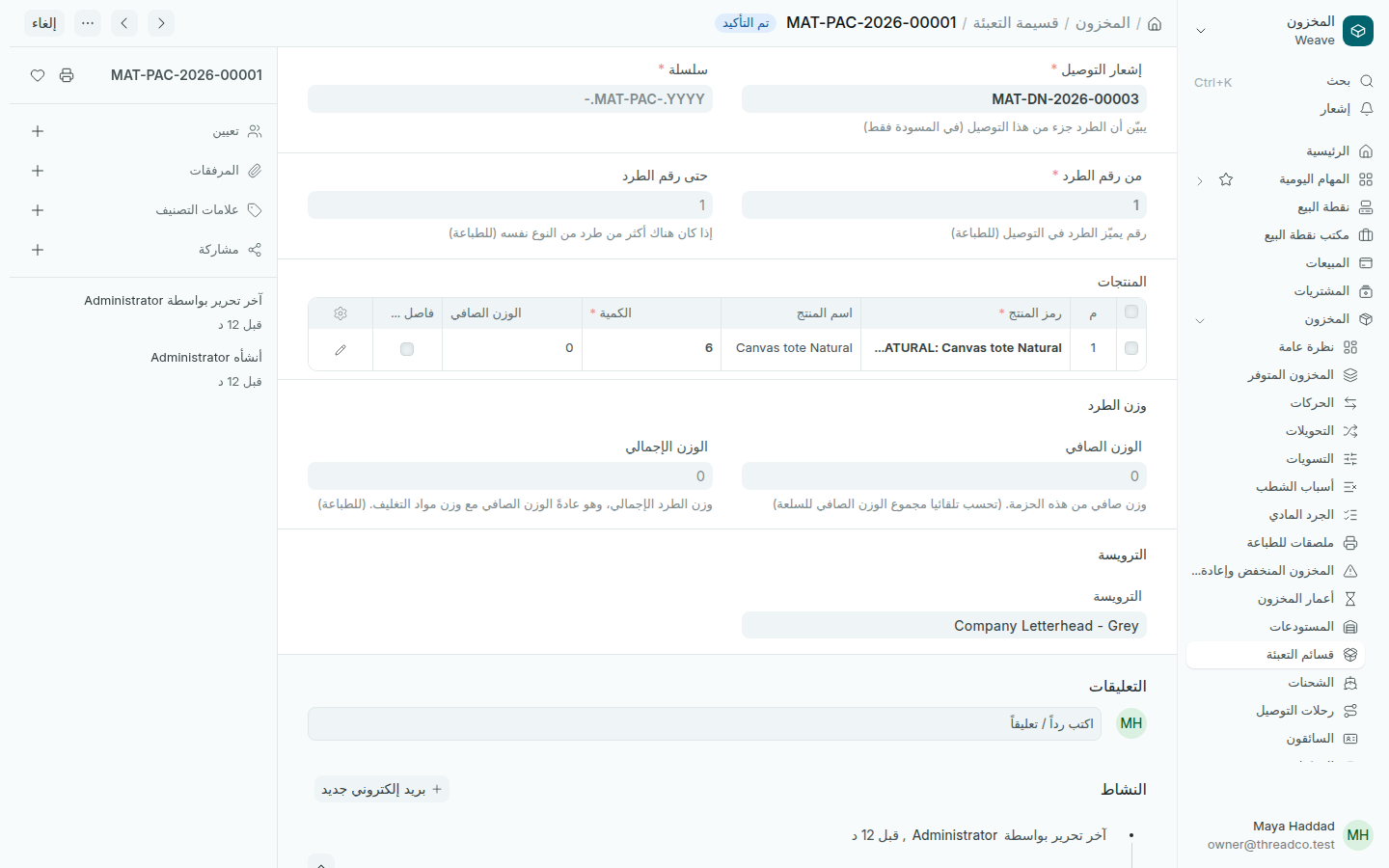
قسيمة تعبئة مؤكدة
طرد واحد لإشعار التوصيل.

بعد ذلك أكّد إشعار التوصيل. انظر توصيل البضاعة للعميل.
Packing slips

A paper for each package: what is in it and its weight, to go with a customer's goods.

A packing slip is made on a delivery note not yet submitted, when the goods leave in more than one package.

  1. Open Inventory → Packing slips and press Add.
  2. Choose the Delivery Note, then type the From Package No. and To Package No.
  3. Check the products and quantities in the package, and type the Net Weight if you want.
  4. Press Save then Submit, and print it to stick on the package.
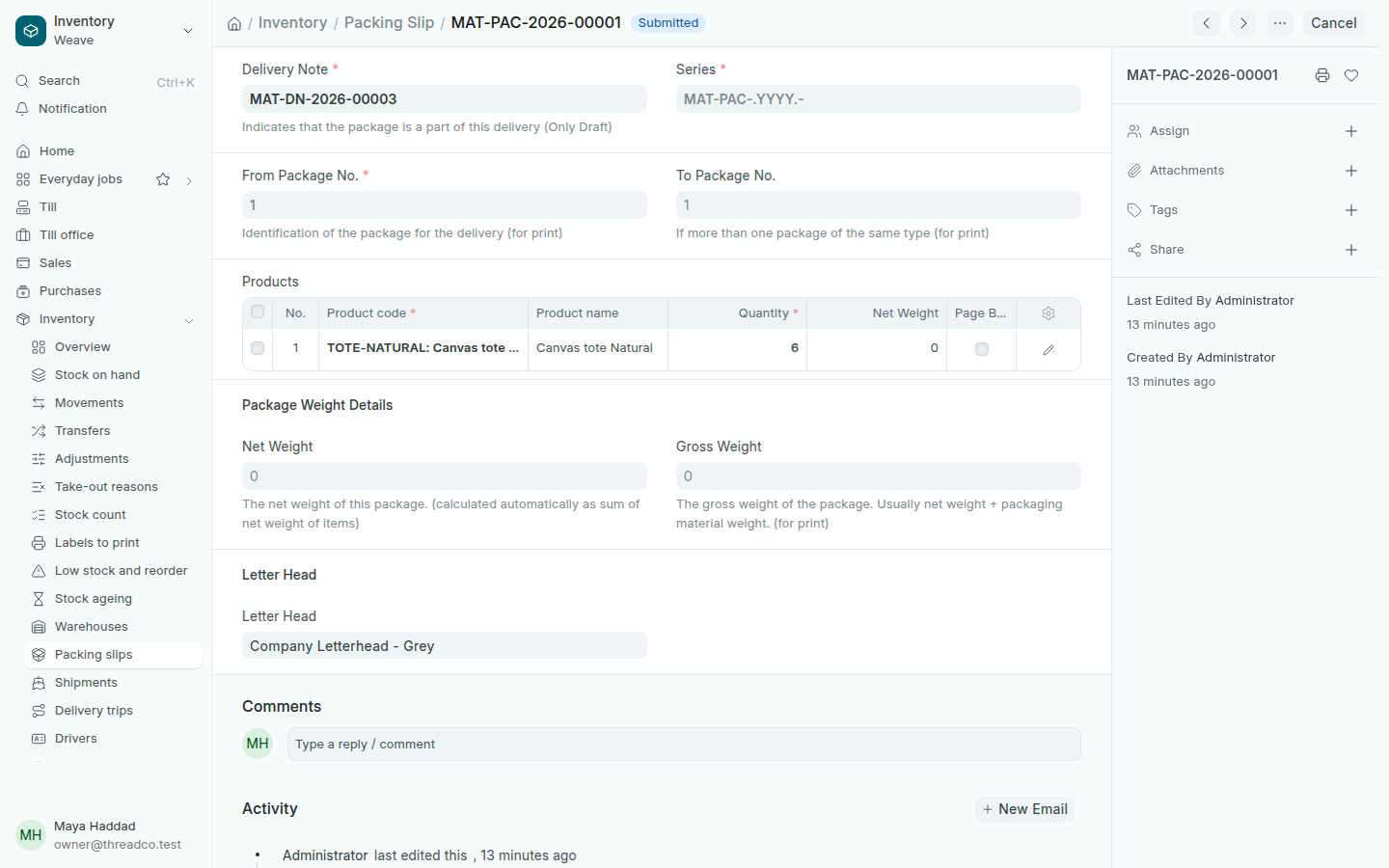
A submitted packing slip
One package for the delivery note.

Then submit the delivery note. See Delivering to a customer.