المستودعات والفروع

لكل فرع مستودع يحمل مخزونه، وما المستودعات الأخرى التي تراها في القائمة.

المستودع هو المكان الذي توجد فيه البضاعة. لكل فرع مستودع واحد، وكل بيع أو استلام أو تحويل يحدّث مخزون مستودع فرعه.

افتح المخزون ← المستودعات. تظهر المستودعات كشجرة تحت اسم شركتك.
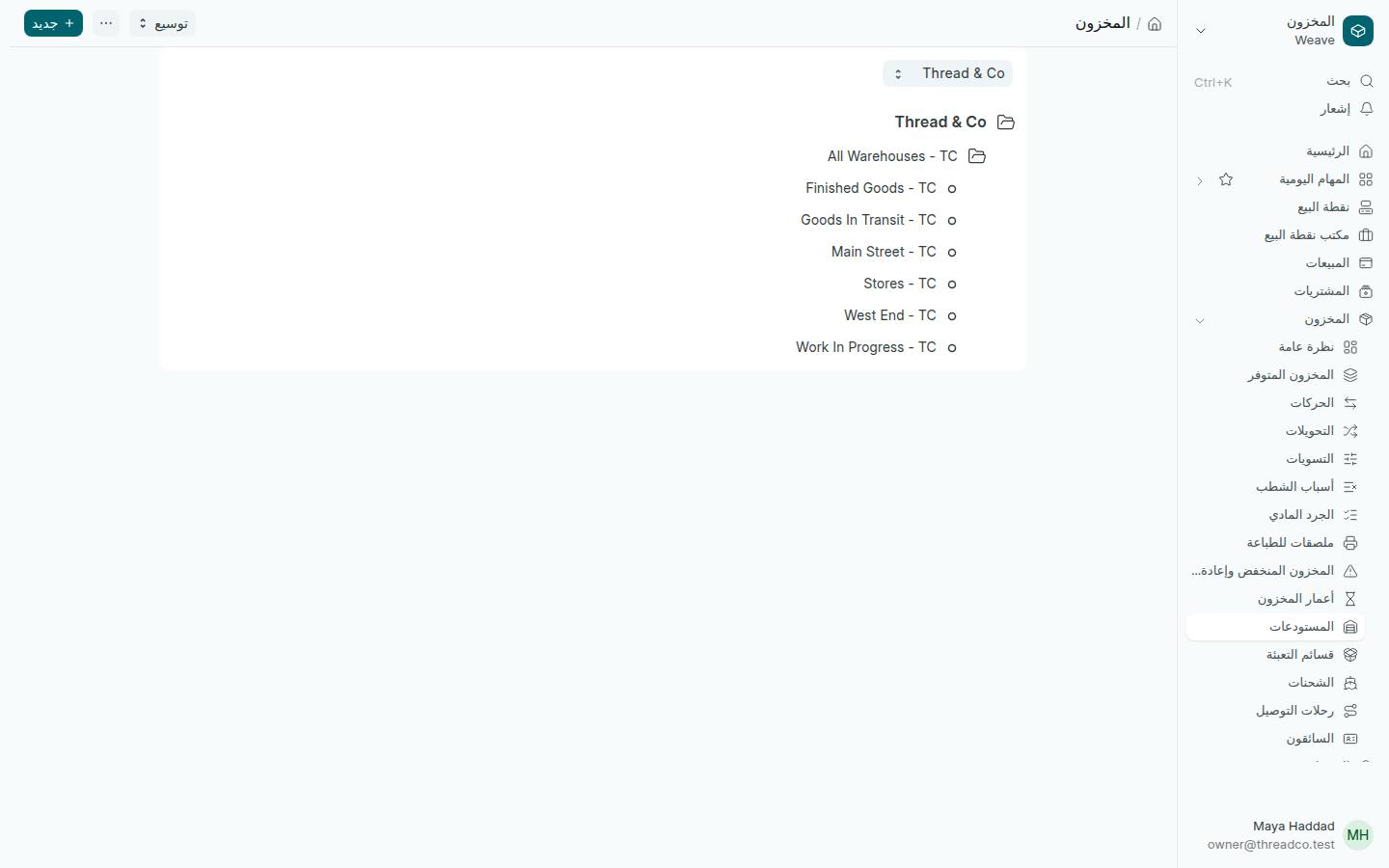
شجرة المستودعات
Main Street وWest End فرعا Thread & Co.

أنشأ Weave عند البدء أربعة مستودعات خاصة به: Stores وFinished Goods وWork In Progress وGoods In Transit. اتركها كما هي ولا تستعملها لفرع.

فرع جديد

يحتاج الفرع الجديد إلى مستودع، ومركز تكلفة بالاسم نفسه، ونقطة بيع. لإضافة المستودع:

  1. اضغط جديد.
  2. اكتب اسم المستودع الجديد كما يسمّي موظفوك الفرع، واترك مجموعة غير محدّد.
  3. اضغط إنشاء جديد.

ثم حدّد الفرع لمن يعمل فيه.
Warehouses and branches

Each branch has a warehouse that holds its stock, and what the other warehouses in the list are.

A warehouse is where goods sit. Each branch has one warehouse, and every sale, delivery or transfer updates the stock of its branch's warehouse.

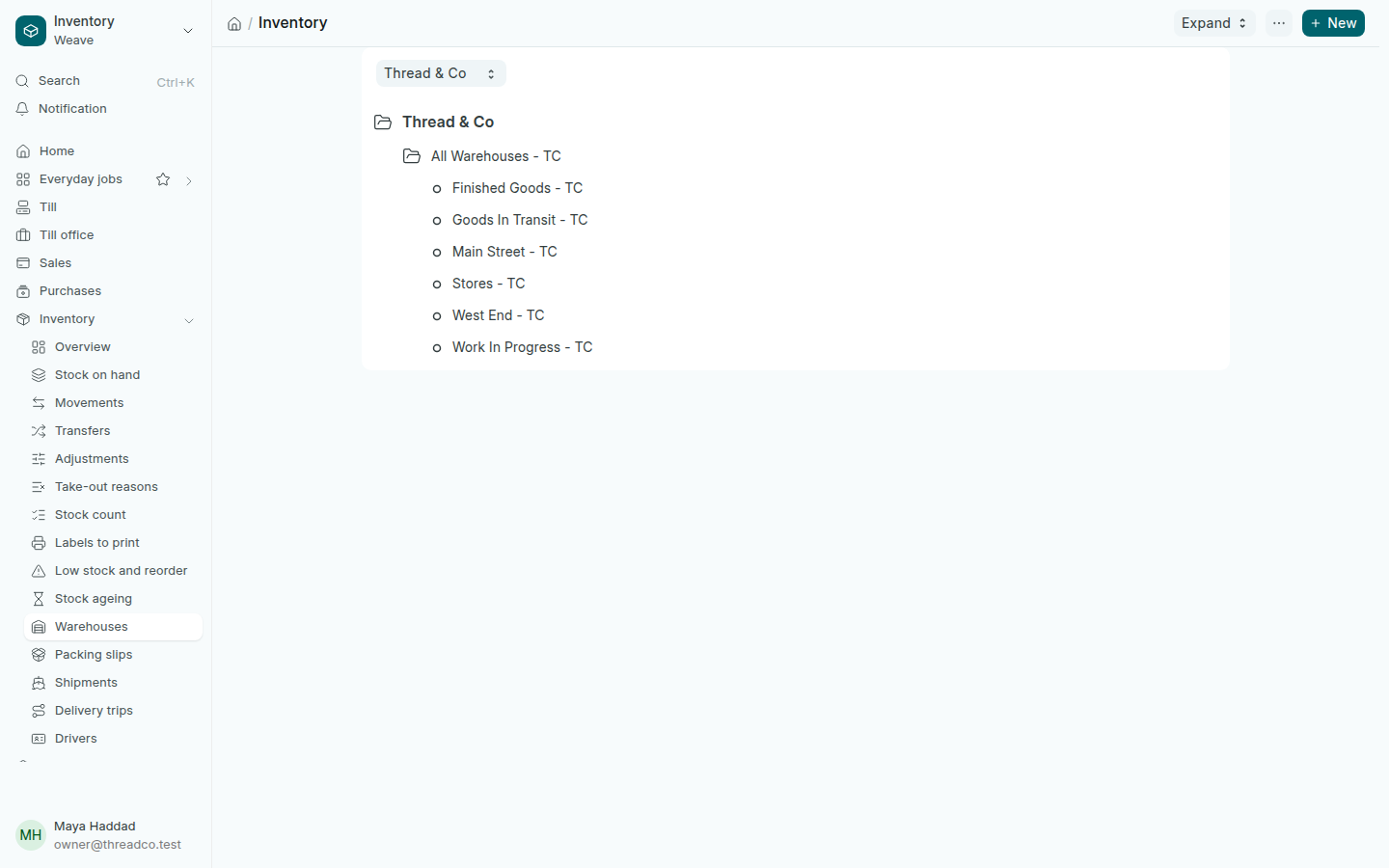
Open Inventory → Warehouses. The warehouses show as a tree under your company's name.

The tree of warehouses
Main Street and West End are Thread & Co's branches.

When it started, Weave made four warehouses of its own: Stores, Finished Goods, Work In Progress and Goods In Transit. Leave them as they are and do not use them for a branch.

A new branch

A new branch needs a warehouse, a cost centre of the same name and a till. To add the warehouse:

  1. Press New.
  2. Type the New Warehouse Name as your staff call the branch, and leave Is Group unticked.
  3. Press Create New.

Then give the branch to the people who work there.