الشطب وأسبابه

مراجعة ما شُطب من المخزون، وإضافة سبب شطب جديد وتحديد الحساب الذي تذهب إليه التكلفة.

تُسجَّل القطع التالفة أو المفقودة أو المستعملة في المحل من شطب من المخزون. هنا تراجعها وتدير أسبابها.

مراجعة الشطب

افتح المخزون ← التسويات. كل سطر حركة من نوع شطب مخزون، بفرعها وتاريخها. افتح السطر لترى القطع والسبب.

أسباب الشطب

افتح المخزون ← أسباب الشطب. لكل سبب حساب التكلفة الذي تُسجَّل فيه قيمة القطع المشطوبة.
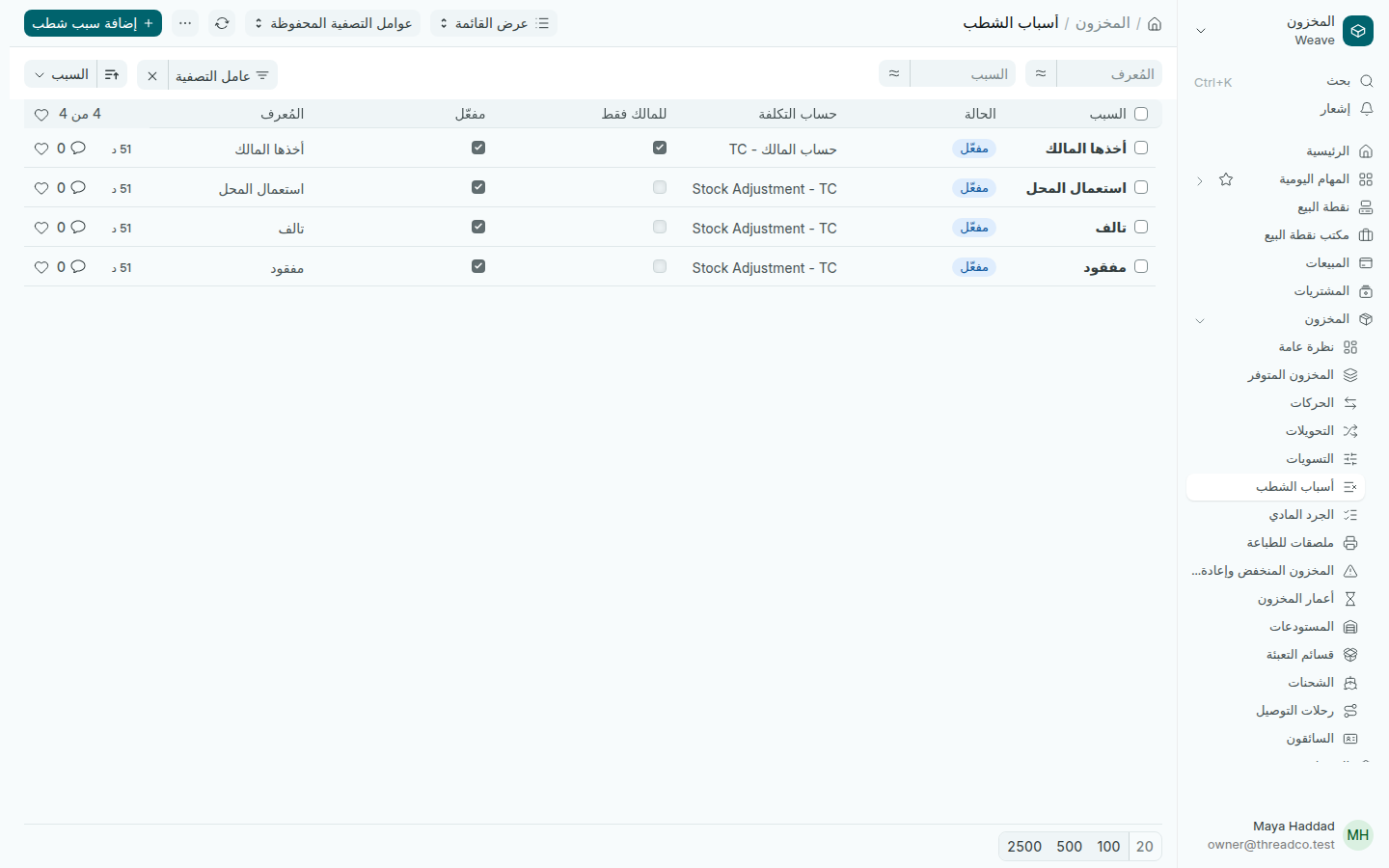
قائمة أسباب الشطب
أخذها المالك يذهب إلى حساب المالك، والباقي إلى تسوية المخزون.
  1. اضغط إضافة سبب شطب واكتب السبب كما يقوله موظفوك.
  2. اختر حساب التكلفة. لما يخسره المتجر، اختر حساب تسوية المخزون.
  3. حدّد للمالك فقط إذا كان السبب للمالك وحده.
  4. اضغط حفظ.

لإخفاء سبب لم تعد تستعمله، ألغِ تحديد مفعّل. يبقى الشطب السابق به كما هو.
Write-offs and their reasons

Review what was taken out of stock, and add a take-out reason with the account its cost goes to.

Damaged, missing or shop-use pieces are recorded from Take out of stock. Here you review them and manage the reasons.

Reviewing write-offs

Open Inventory → Adjustments. Each line is a movement of type Stock write-off, with its branch and date. Open it to see the pieces and the reason.

Take-out reasons

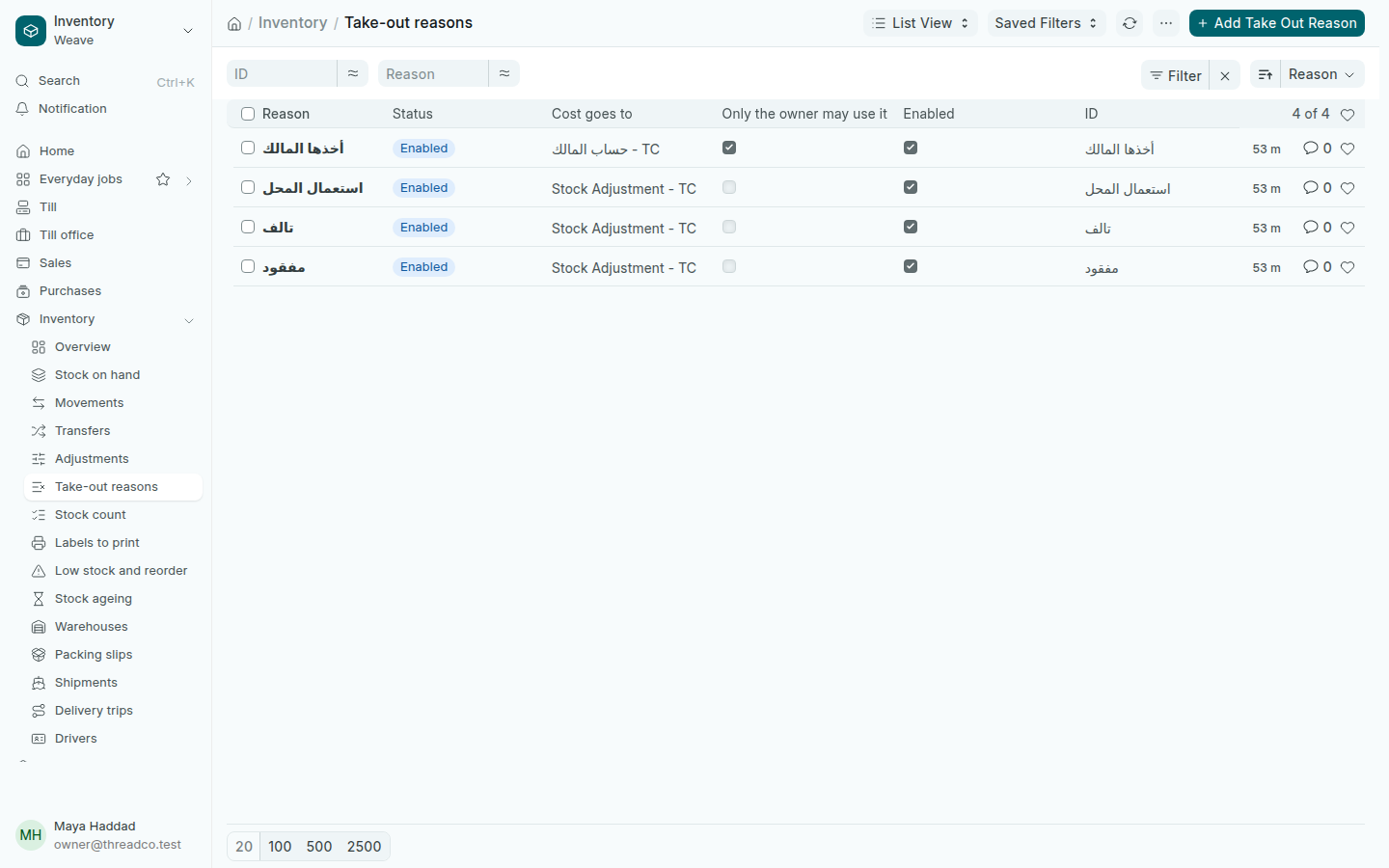
Open Inventory → Take-out reasons. Each reason has the account in Cost goes to where the value of the pieces is booked.

The list of take-out reasons
Taken by the owner goes to the owner's account; the rest to stock adjustment.
  1. Press Add Take Out Reason and type the Reason as your staff say it.
  2. Choose Cost goes to. For a loss to the shop, choose the stock adjustment account.
  3. Tick Only the owner may use it if the reason is for the owner alone.
  4. Press Save.

To hide a reason you no longer use, untick Enabled. Write-offs already made with it stay as they are.