توصيل البضاعة للعميل

إشعار التوصيل يُخرج بضاعة أمر البيع من مخزون الفرع ويرافقها إلى العميل.

  1. افتح أمر البيع واضغط إنشاء ← إشعار التوصيل. تُملأ المنتجات والكميات.
  2. إذا خرج جزء فقط، غيّر الكمية. ما بقي يبقى في الأمر.
  3. اضغط حفظ ثم تأكيد، واطبع الإشعار ليرافق البضاعة.
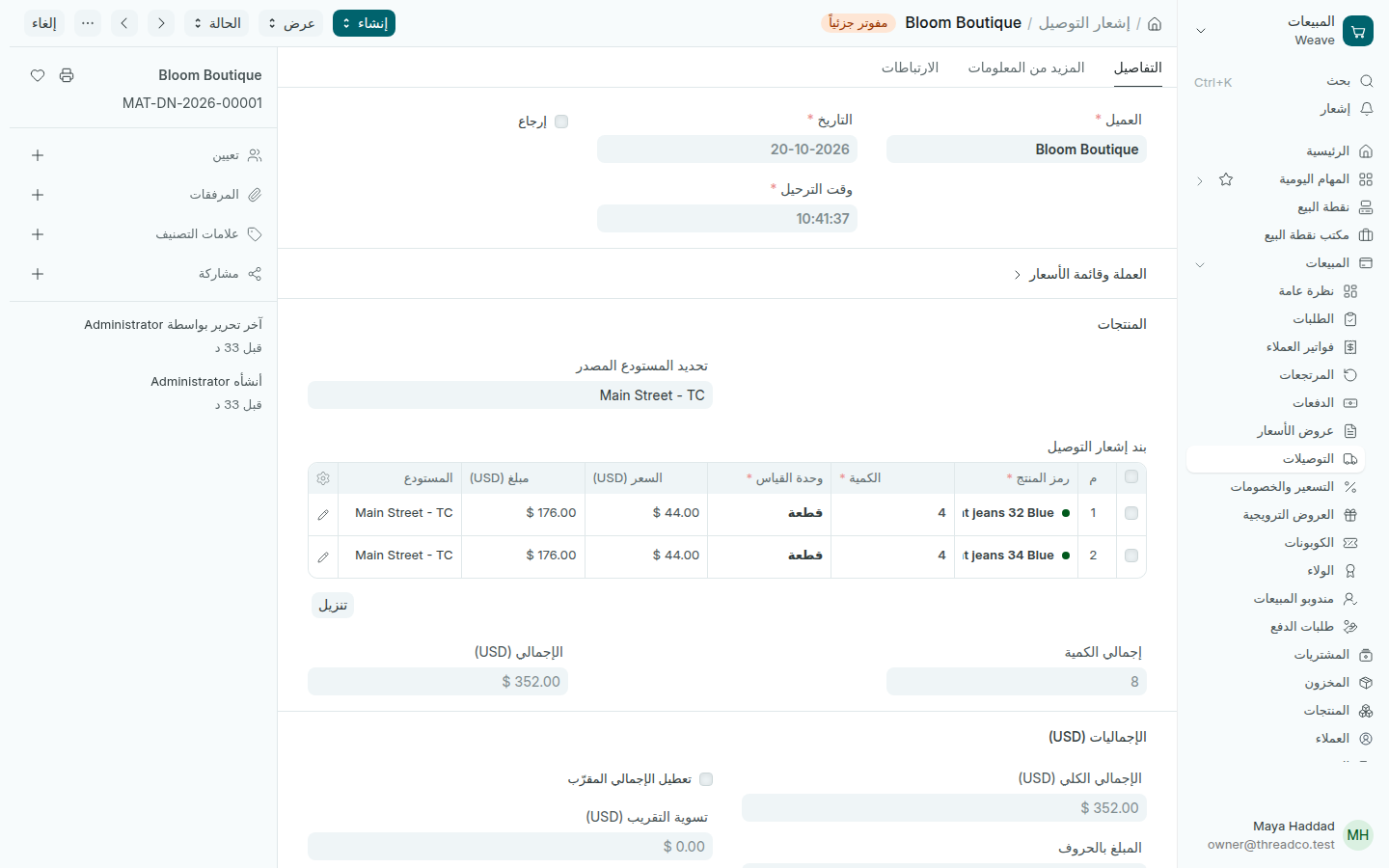
إشعار توصيل مؤكد
البضاعة خرجت من Main Street.

عند التأكيد تخرج القطع من مخزون الفرع. كل الإشعارات في المبيعات ← التوصيلات. لإصدار الفاتورة: إنشاء ← فاتورة العميل، انظر فواتير العملاء.
Delivering to a customer

A delivery note takes a sales order's goods out of the branch's stock and goes with them to the customer.

  1. Open the sales order and press Create → Delivery Note. The products and quantities fill in.
  2. If only part is leaving, change the Quantity. The rest stays on the order.
  3. Press Save then Submit, and print the note to go with the goods.
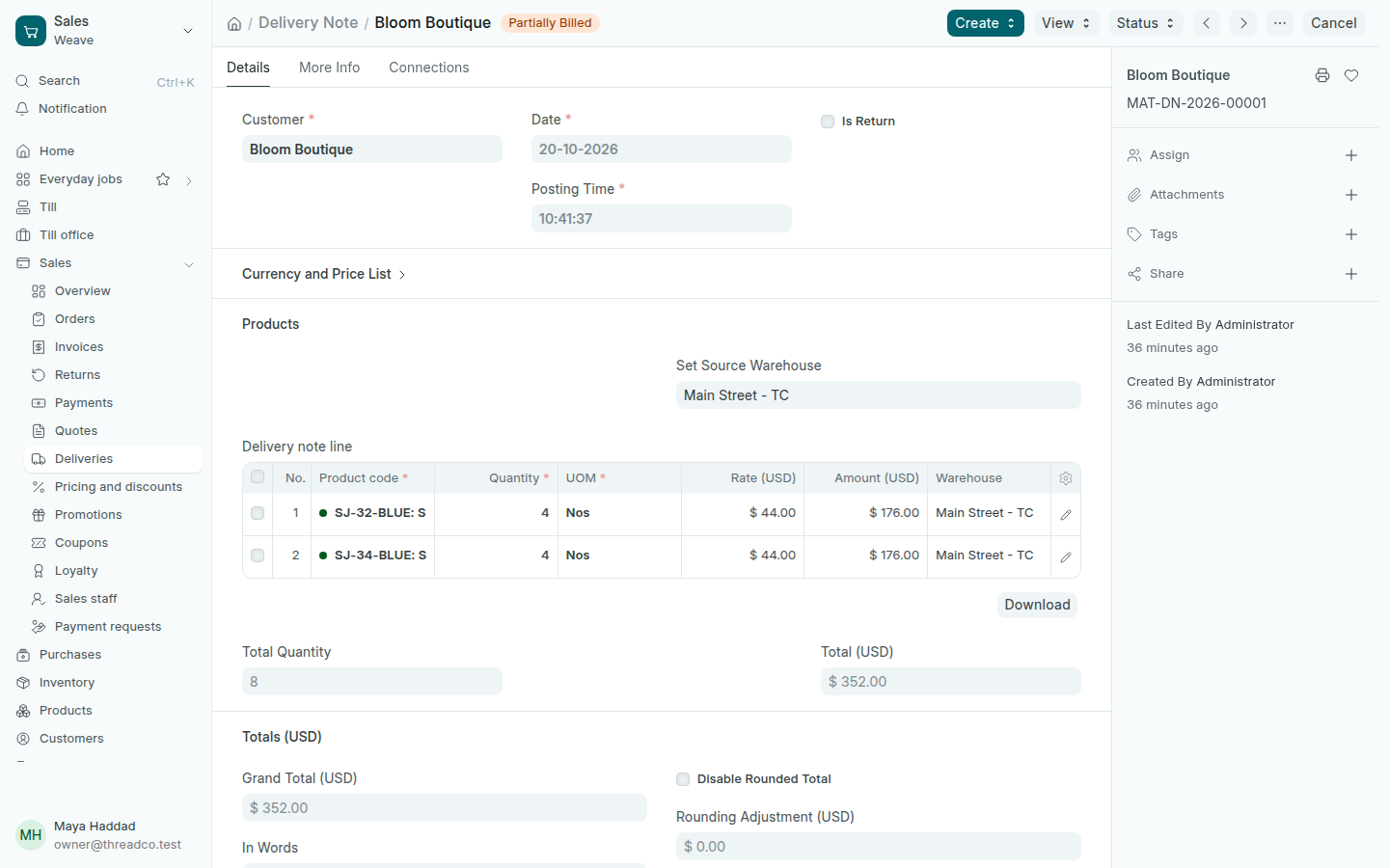
A submitted delivery note
The goods left Main Street.

On submit, the pieces leave the branch's stock. Every note is in Sales → Deliveries. To bill it: Create → Sales Invoice, see Invoices.