فواتير العملاء

كل بيع فاتورة: ما يصدر عن نقطة البيع، وما تصدره على الكمبيوتر لأمر بيع أو لعميل.

افتح المبيعات ← فواتير العملاء. ترى مبيعات نقطة البيع مع العميل العابر، وفواتير الكمبيوتر بأسماء عملائها، ولكل منها حالتها.
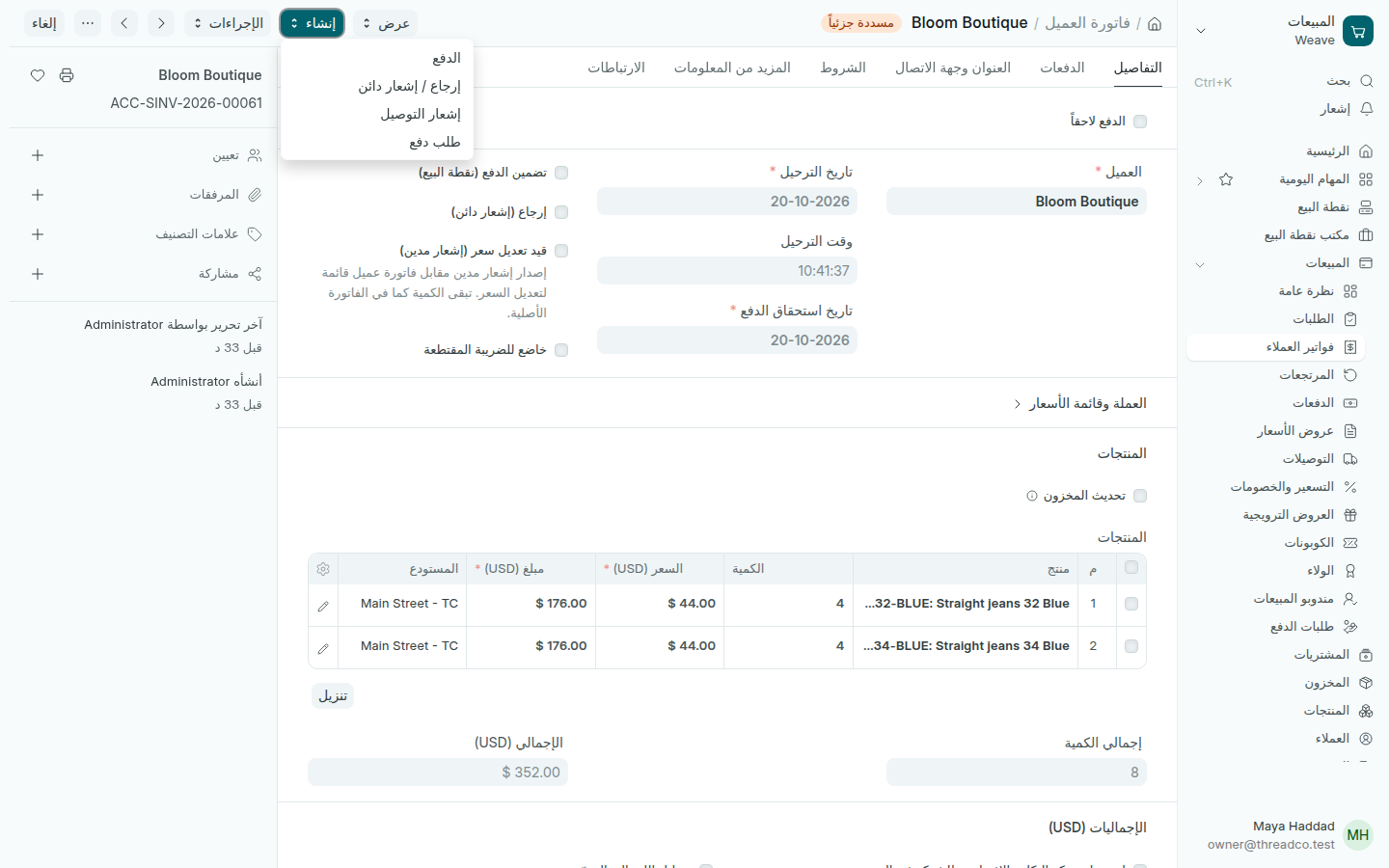
فاتورة عميل مسددة جزئياً
من إنشاء تقبض الفاتورة أو تُرجع منها.

فاتورة على الكمبيوتر

  1. افتح أمر البيع أو إشعار التوصيل واضغط إنشاء ← فاتورة العميل.
  2. تحقق من تاريخ استحقاق الدفع.
  3. اضغط حفظ ثم تأكيد، واطبعها للعميل.

تكون الفاتورة غير مدفوعة ثم مسددة جزئياً ثم مدفوعة. لتسجيل ما قبضته: المقبوضات.
Invoices

Every sale is an invoice: those the till makes, and those you make on the computer for an order or a customer.

Open Sales → Invoices. You see the till's sales with Walk-in, the computer's invoices with their customers' names, and each one's status.

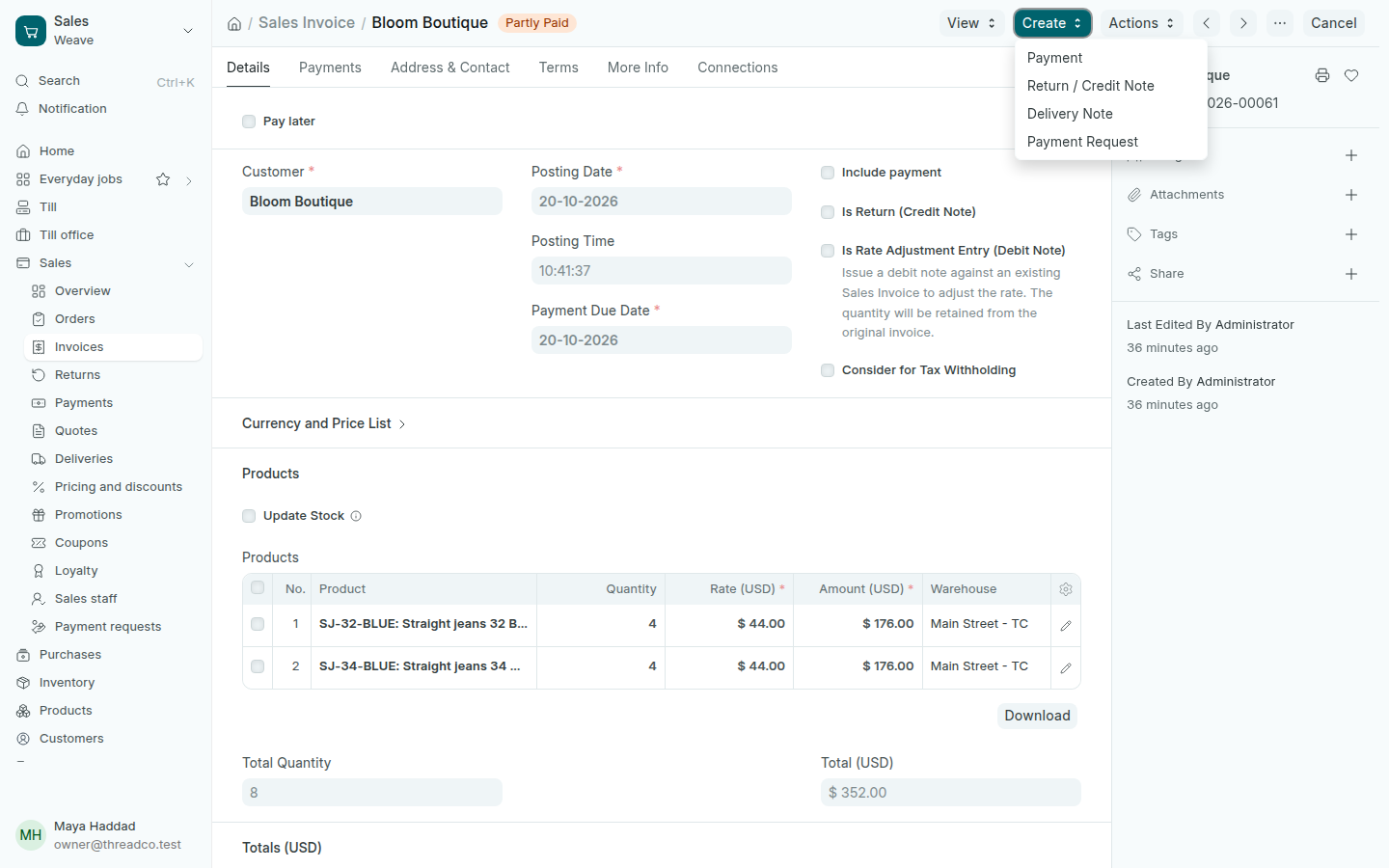
A partly paid invoice
Create takes payment for the invoice or makes a return.

An invoice on the computer

  1. Open the sales order or delivery note and press Create → Sales Invoice.
  2. Check the Payment Due Date.
  3. Press Save then Submit, and print it for the customer.

An invoice goes from Unpaid to Partly Paid to Paid. To record what you received: Payments received.