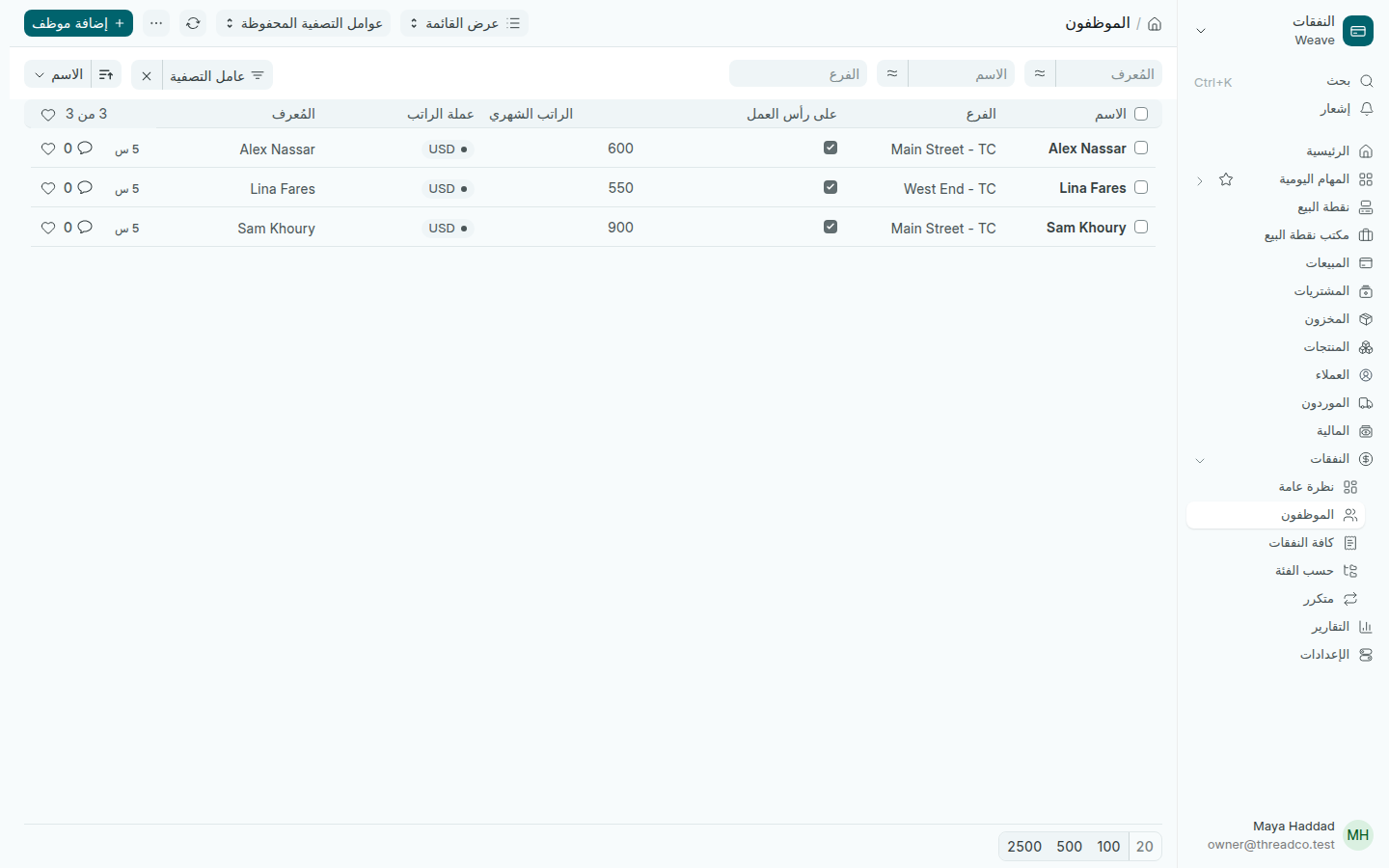
الموظفون

قائمة من يعمل في المتجر وراتبه، لتسجيل السلف ودفع الرواتب.

الموظفون هنا للسلف والرواتب. لحساب يدخل به شخص إلى Weave، انظر إضافة الموظفين.

  1. افتح النفقات ← الموظفون واضغط إضافة.
  2. اكتب الاسم والفرع ورقم الهاتف.
  3. اكتب الراتب الشهري وعملة الراتب، واترك على رأس العمل محدداً.
  4. اضغط حفظ.
قائمة الموظفين
كل موظف وفرعه وراتبه.

عندما يترك أحد العمل، ألغِ تحديد على رأس العمل، فيبقى سجله ولا يظهر في الرواتب.
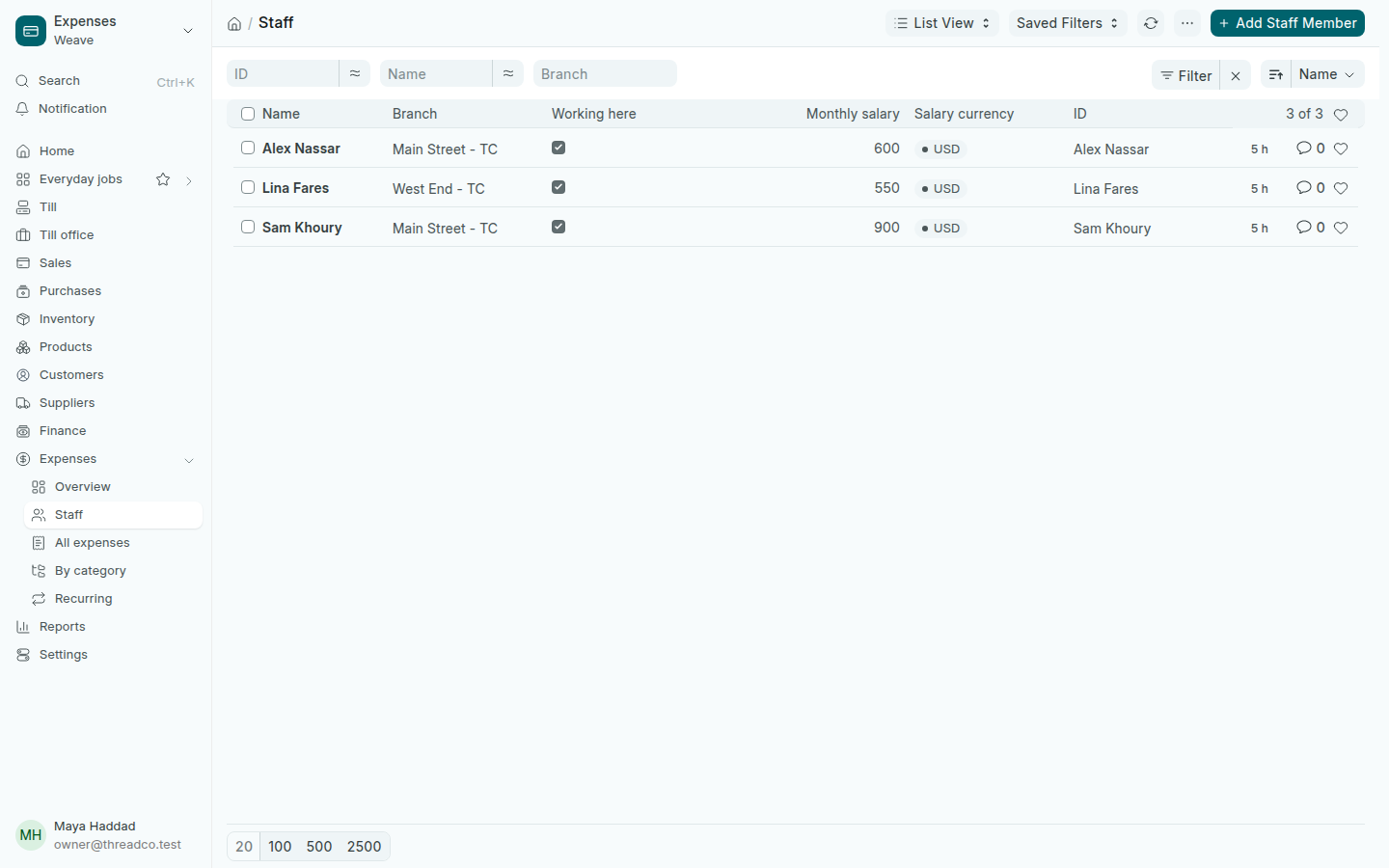
Staff

The list of who works in the shop and their salary, for advances and payday.

Staff here are for advances and payday. For an account someone signs in to Weave with, see Add staff.

  1. Open Expenses → Staff and press Add.
  2. Type the Name, the Branch and the Phone.
  3. Type the Monthly salary and the Salary currency, and leave Working here ticked.
  4. Press Save.
The list of staff
Every person, their branch and their salary.

When someone leaves, untick Working here: their record stays, and they no longer show at payday.