صفحة النفقات

ما أنفقته هذا الشهر، وما دُفع من الدرج، وأين يذهب المال.

افتح النفقات. تبدأ الصفحة بالاختصارات تسجيل نفقة وكافة النفقات ومتكرر، ثم الأرقام.
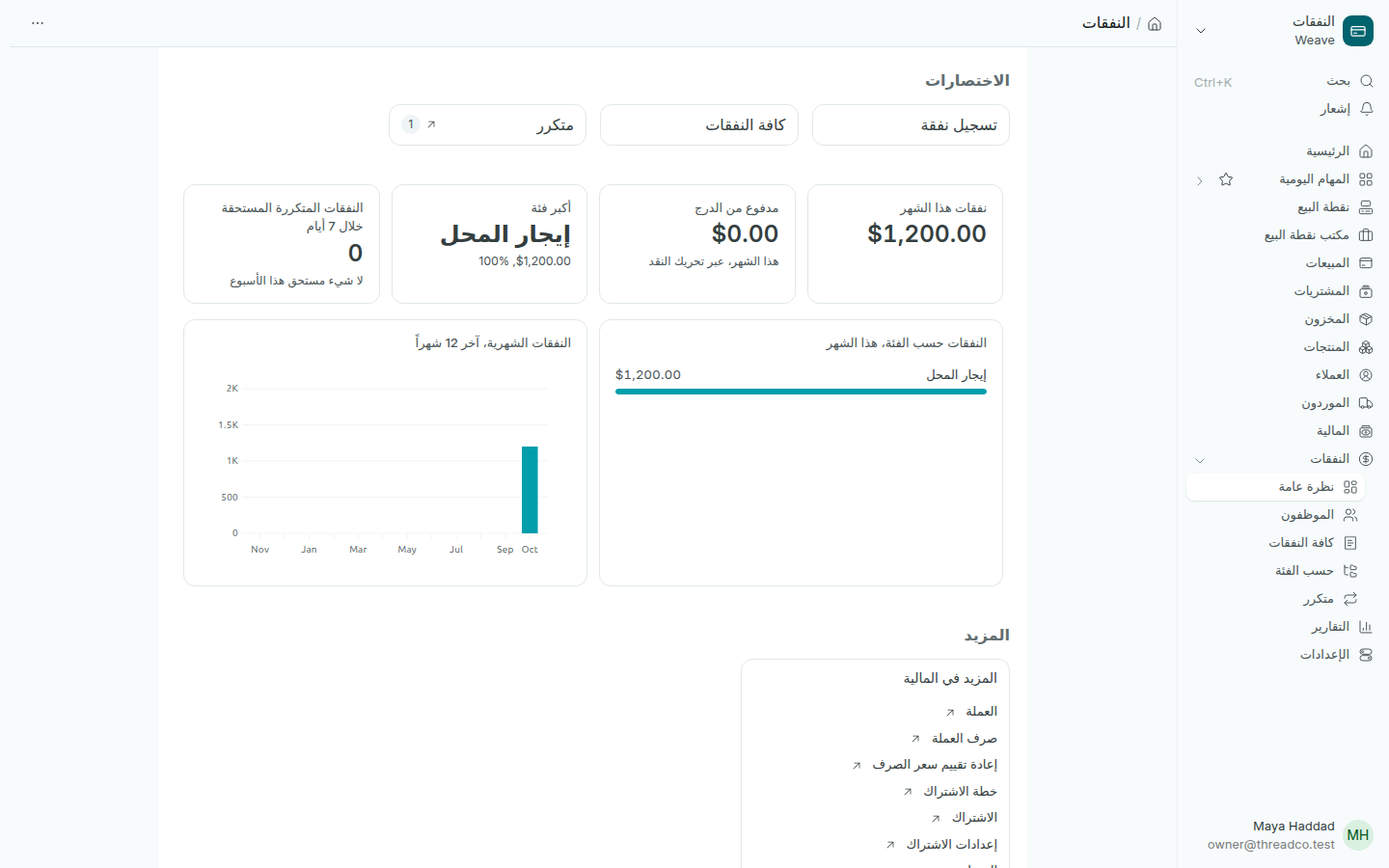
صفحة النفقات
نفقات الشهر حسب البند.
  • نفقات هذا الشهر، ومدفوع من الدرج عبر تحريك النقد.
  • أكبر فئة: البند الذي أخذ أكثر المال ونسبته.
  • النفقات المتكررة المستحقة هذا الأسبوع.

النفقات ← كافة النفقات تفتح المبيعات والنفقات. النفقات ← حسب الفئة تعرض بنود النفقات، ولإضافة بند انظر شجرة الحسابات.
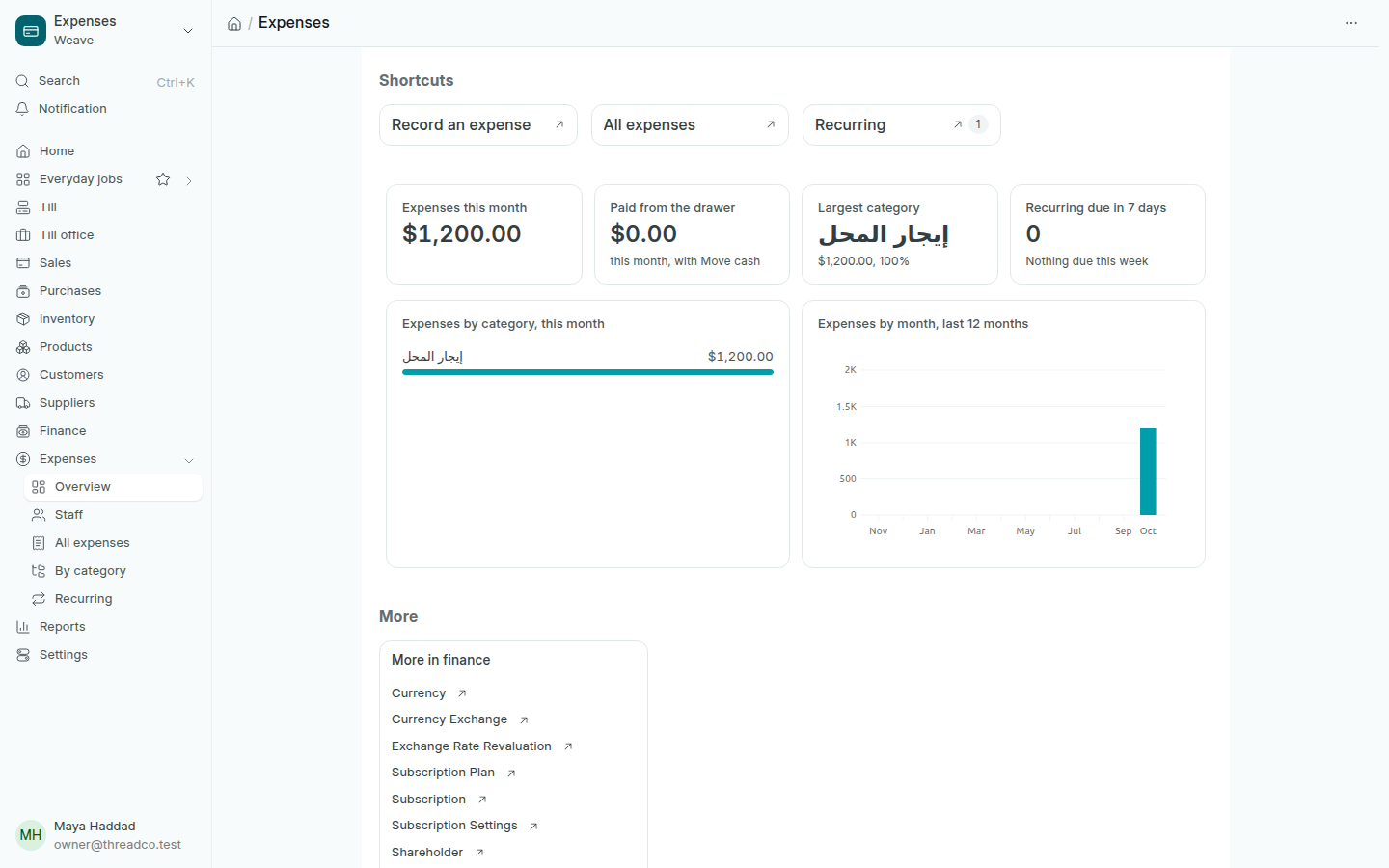
The Expenses page

What you spent this month, what was paid from the drawer, and where the money goes.

Open Expenses. The page starts with the shortcuts Record an expense, All expenses and Recurring, then the figures.

The Expenses page
The month's expenses by heading.
  • Expenses this month, and what was Paid from the drawer with Move cash.
  • Largest category: the heading that took the most money, and its share.
  • Recurring expenses due this week.

Expenses → All expenses opens Sales and expenses. Expenses → By category lists the expense headings; to add one, see Chart of accounts.