الإعدادات الافتراضية للبيع والمخزون

ما يملأه Weave بنفسه في كل عميل ومنتج وبيع، ووحدات القياس، وإعدادات كل فئة.

الإعدادات الافتراضية للبيع

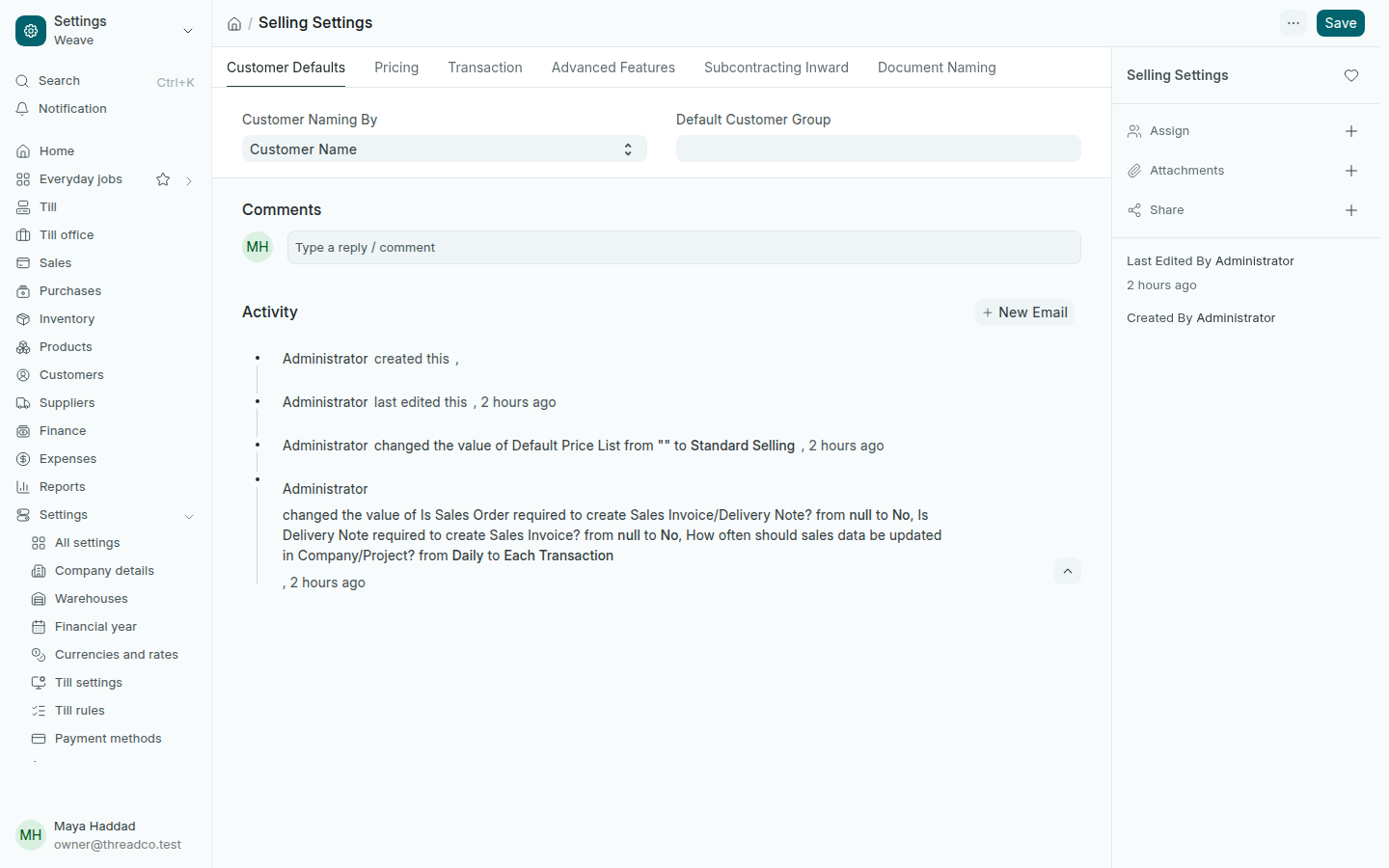
افتح الإعدادات ← الإعدادات الافتراضية للبيع.
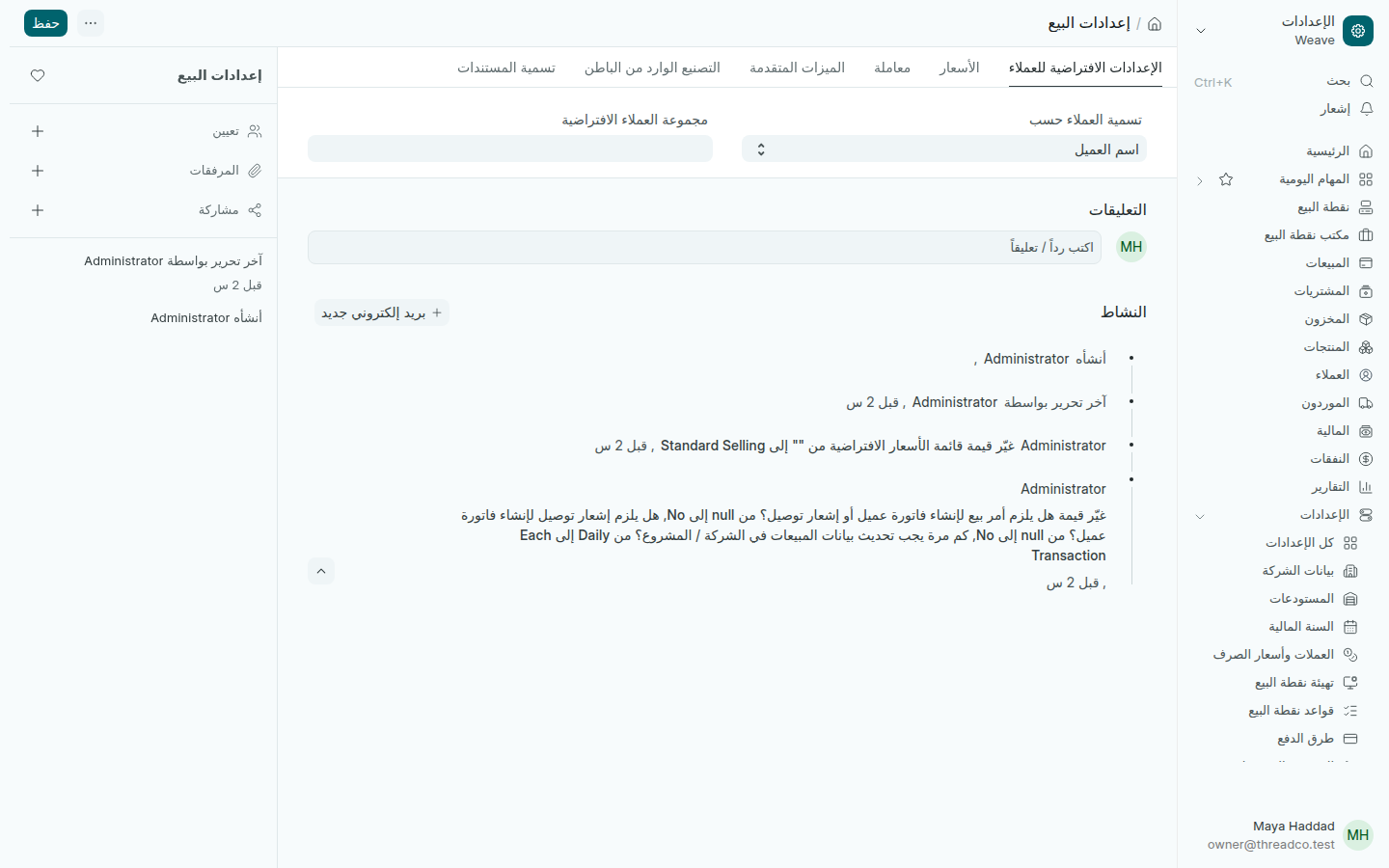
إعدادات البيع
ما يُملأ في كل عميل وكل بيع.
  • تسمية العملاء حسب: اسم العميل، فيظهر كل عميل باسمه.
  • مجموعة العملاء الافتراضية: اتركها فارغة إن لم تقسّم عملاءك مجموعات. العملاء المستوردون يأخذونها إن اخترت واحدة.
  • قائمة الأسعار الافتراضية: القائمة التي تُسعَّر بها الفواتير على الحاسوب.

قواعد المخزون

افتح الإعدادات ← قواعد المخزون.
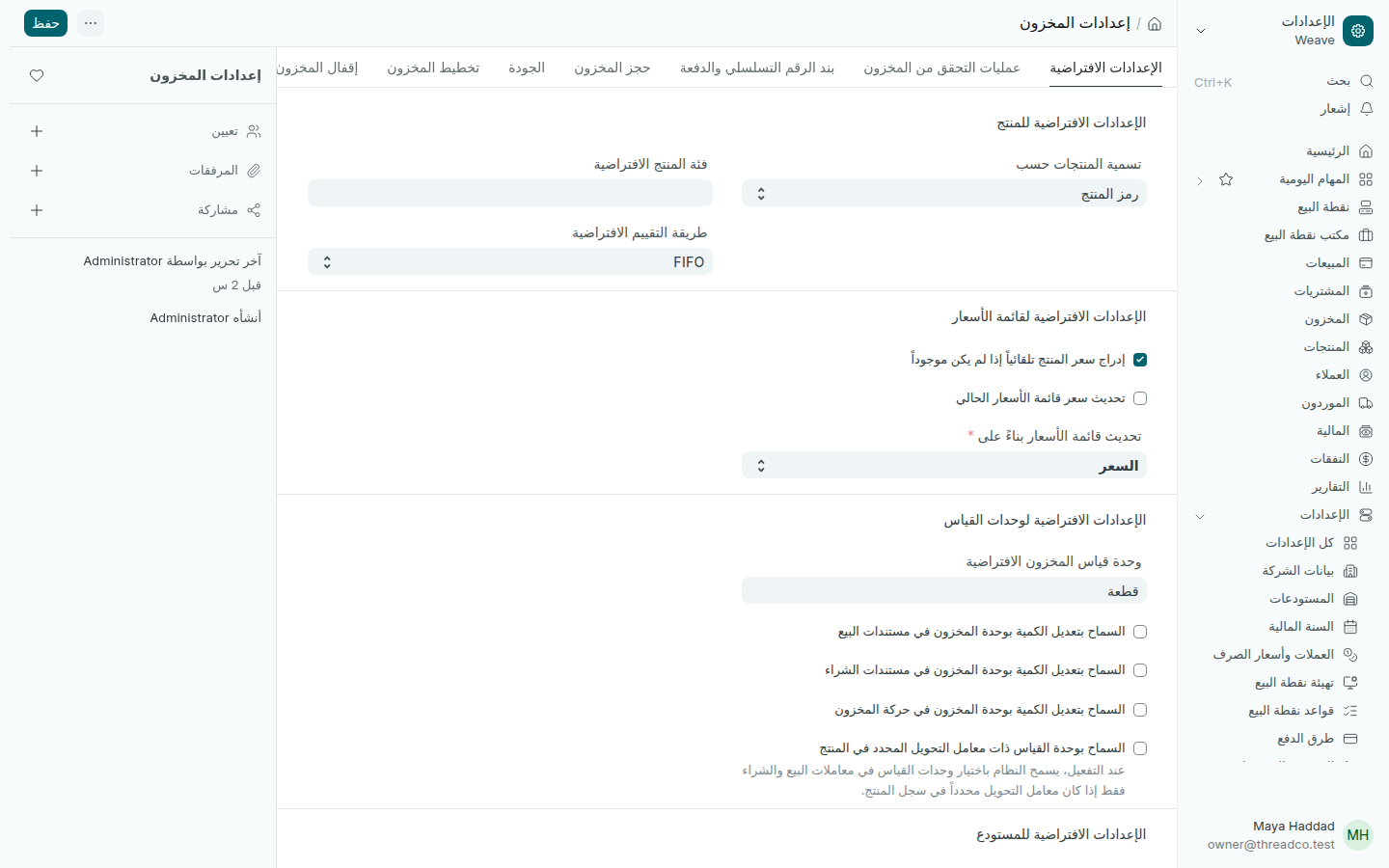
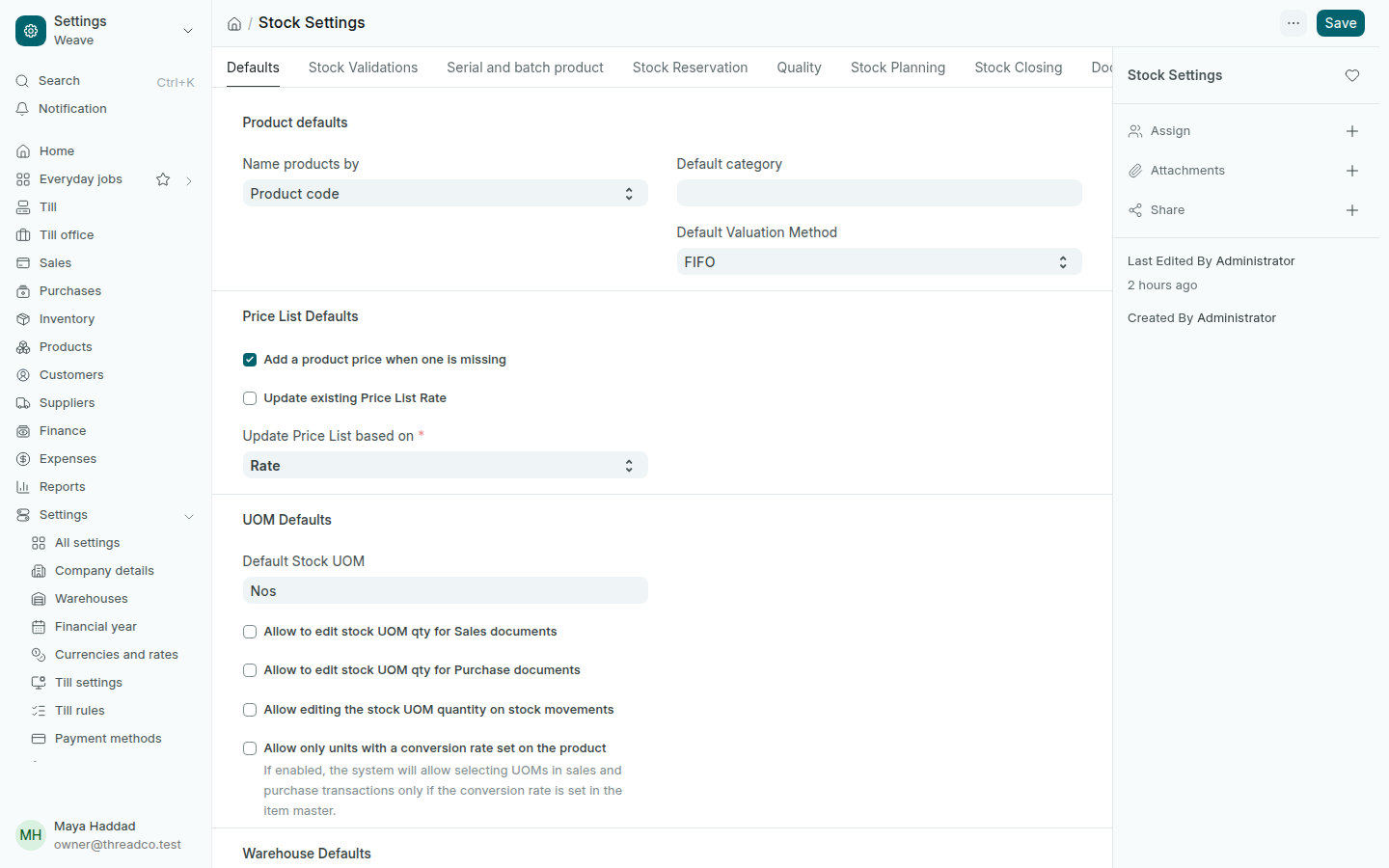
إعدادات المخزون
طريقة التقييم تحدّد تكلفة ما تبيعه.
  • تسمية المنتجات حسب: رمز المنتج.
  • طريقة التقييم الافتراضية: FIFO، أي أن أقدم ما اشتريته يُحسب أولاً عند البيع. لا تغيّرها بعد أول حركة مخزون.
  • وحدة قياس المخزون الافتراضية: الوحدة التي يأخذها كل منتج جديد، وهي القطعة.
  • السماح بالمخزون السالب: أبقِه غير محدّد، فلا تُباع قطعة ليست في الفرع.

وحدات القياس

افتح الإعدادات ← وحدات القياس. يأتي Weave بمئات الوحدات، ومعظم المتاجر تحتاج القطعة وحدها. لتبيع بالزوج أو بالعلبة، اضغط إضافة واكتب اسم الوحدة، ثم اخترها في المنتج.

الإعدادات الافتراضية للمنتجات

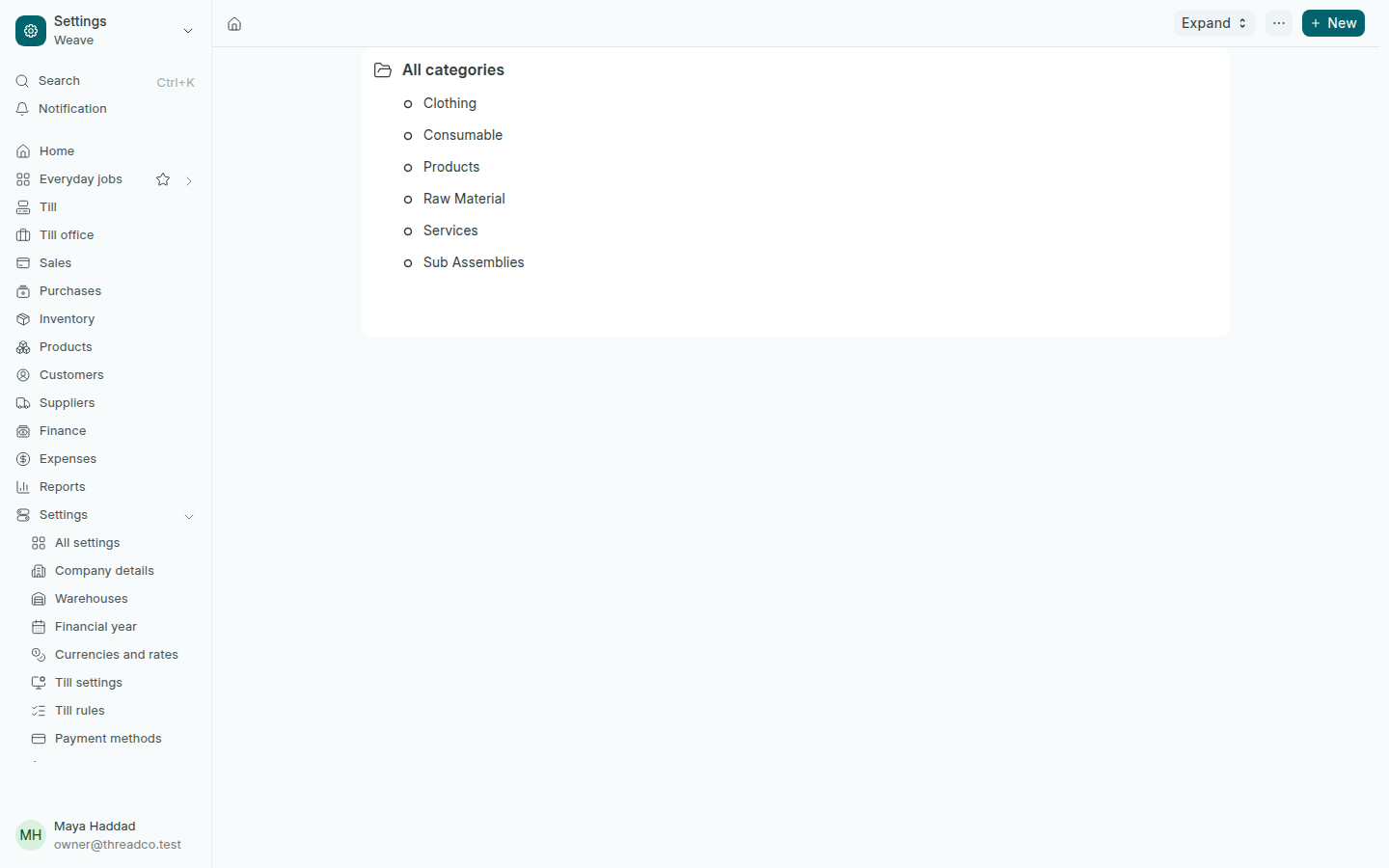
افتح الإعدادات ← الإعدادات الافتراضية للمنتجات. تظهر الفئات شجرةً، ولكل فئة إعدادات يأخذها كل منتج جديد فيها، مثل المستودع وقائمة الأسعار.
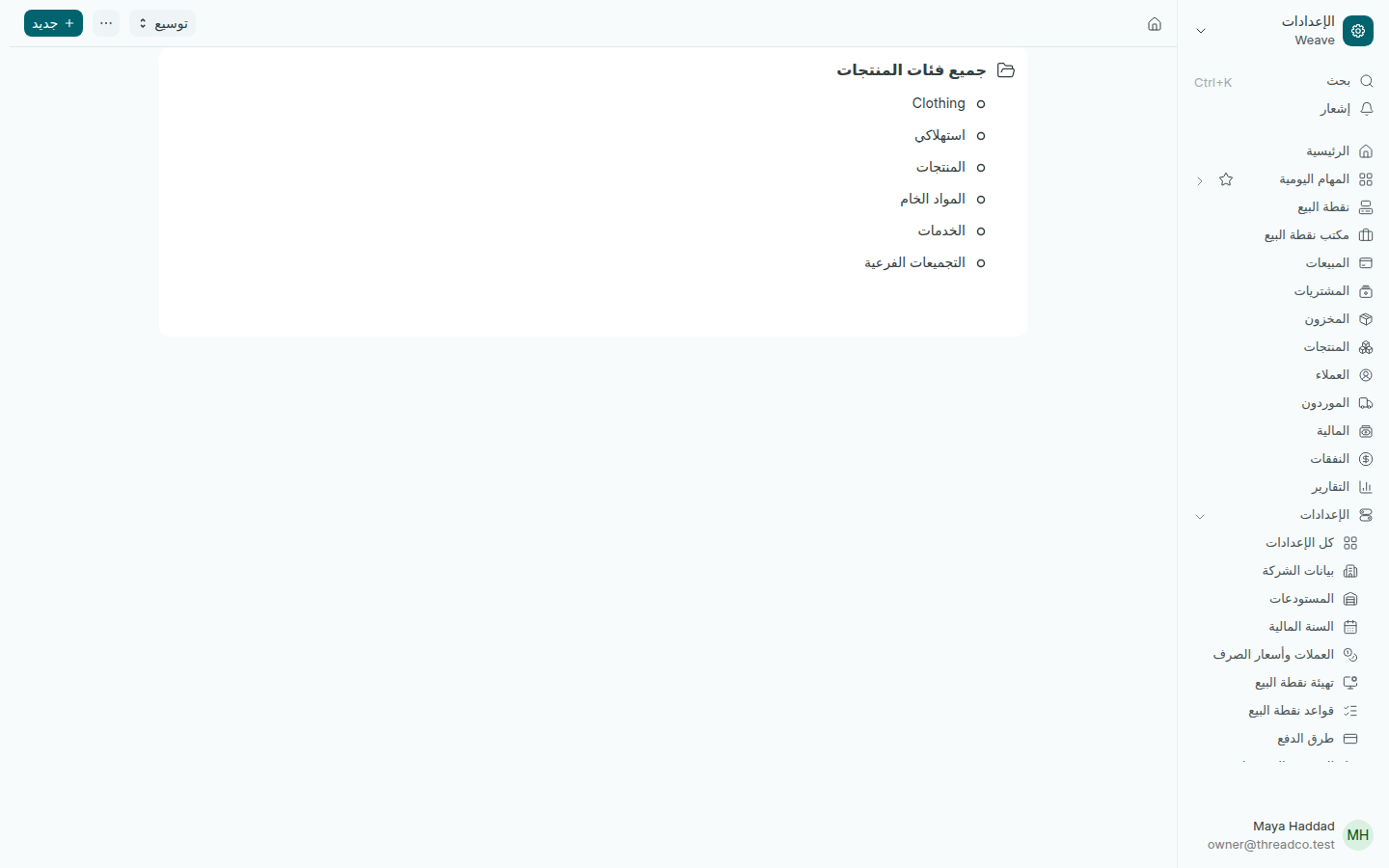
فئات المنتجات
بعض الفئات يُنشئها Weave عند البدء، اتركها كما هي.

Selling and stock defaults

What Weave fills in by itself on every customer, product and sale, units of measure, and each category's defaults.

Selling defaults

Open Settings → Selling defaults.

Selling Settings
What is filled in on every customer and every sale.
  • Customer Naming By: Customer Name, so each customer shows under their name.
  • Default Customer Group: leave it empty unless you sort customers into groups. Imported customers take it if you choose one.
  • Default Price List: the list invoices on the computer are priced from.

Stock rules

Open Settings → Stock rules.

Stock Settings
The valuation method decides the cost of what you sell.
  • Name products by: Product code.
  • Default Valuation Method: FIFO, so the oldest goods you bought are counted first when you sell. Do not change it after the first stock movement.
  • Default Stock UOM: the unit every new product takes, Nos, a piece.
  • Allow negative stock: keep it unticked, so no piece is sold that the branch does not hold.

Units of measure

Open Settings → Units of measure. Weave comes with hundreds of units, and most shops need only the piece. To sell by the pair or the box, press Add, type the unit's name, then choose it on the product.

Product defaults

Open Settings → Product defaults. Your categories show as a tree, and each category holds defaults every new product in it takes, such as the warehouse and the price list.

Product categories
Some categories are made by Weave when the shop starts: leave them as they are.