الفئات والعلامات التجارية

الفئة تجمع المنتجات المتشابهة في التقارير والصفحات، والعلامة التجارية تحدّد صانعها.

لكل منتج فئة واحدة، مثل الملابس أو الأحذية. تظهر الفئات في قيمة المخزون حسب الفئة وفي فلاتر التقارير. العلامة التجارية اختيارية.

إضافة فئة

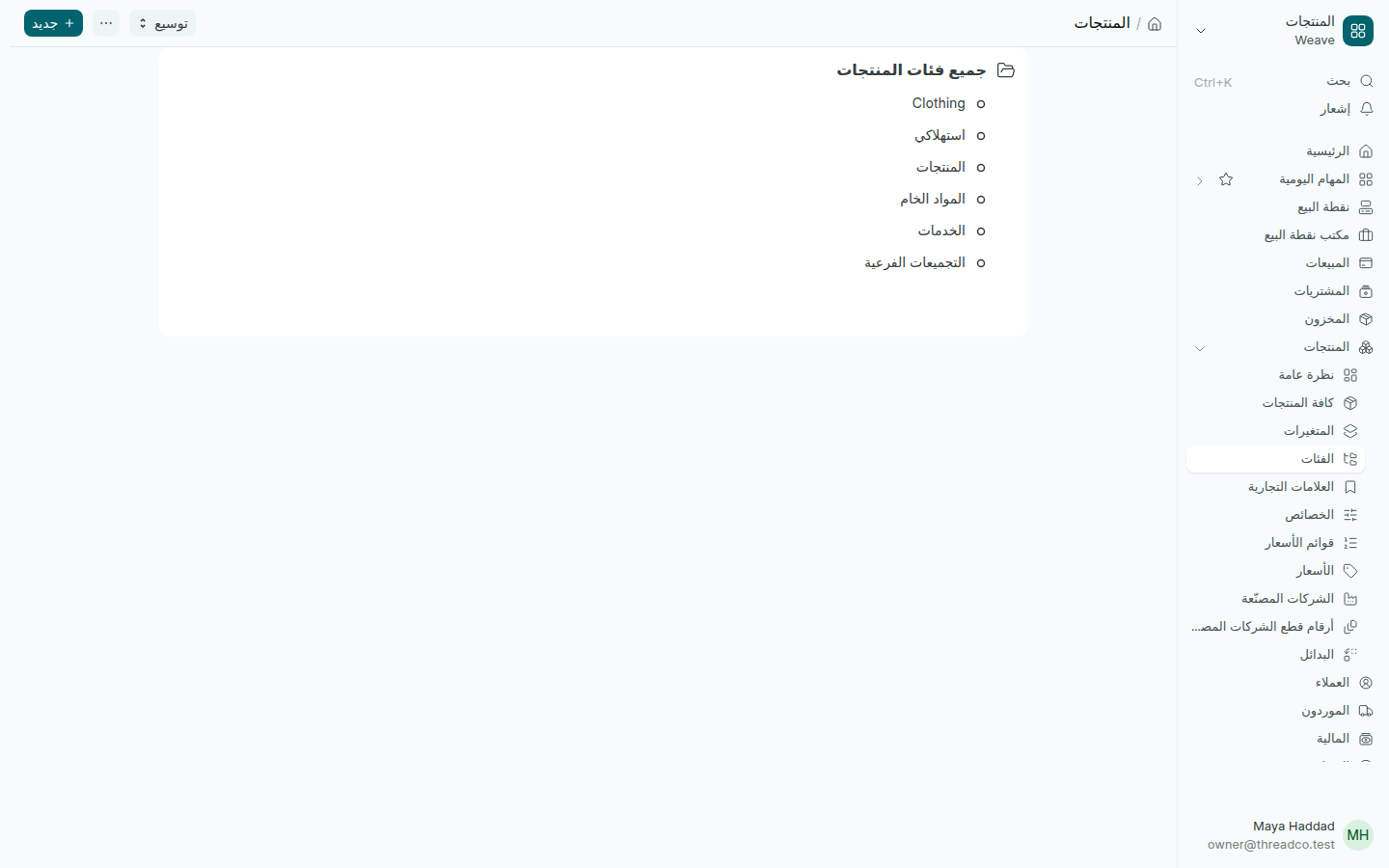
  1. افتح المنتجات ← الفئات. تظهر الفئات كشجرة تحت جميع فئات المنتجات.
  2. اضغط جديد، واكتب اسم فئة المنتج.
  3. لوضعها تحت فئة أخرى اختر فئة المنتج الرئيسية. الفئة التي تضمّ فئات أخرى تُحدَّد كـمجموعة.
  4. اضغط حفظ.
شجرة فئات المنتجات
الفئات تحت جميع فئات المنتجات.

تختار فئة المنتج في فئة المنتج عند إضافته، أو في تبويب التفاصيل في صفحة المنتج.

العلامات التجارية

  1. افتح المنتجات ← العلامات التجارية واضغط إضافة العلامة التجارية.
  2. اكتب اسم العلامة التجارية واضغط حفظ.
  3. في صفحة المنتج، تبويب التفاصيل، افتح قسم الوصف واختر العلامة التجارية.
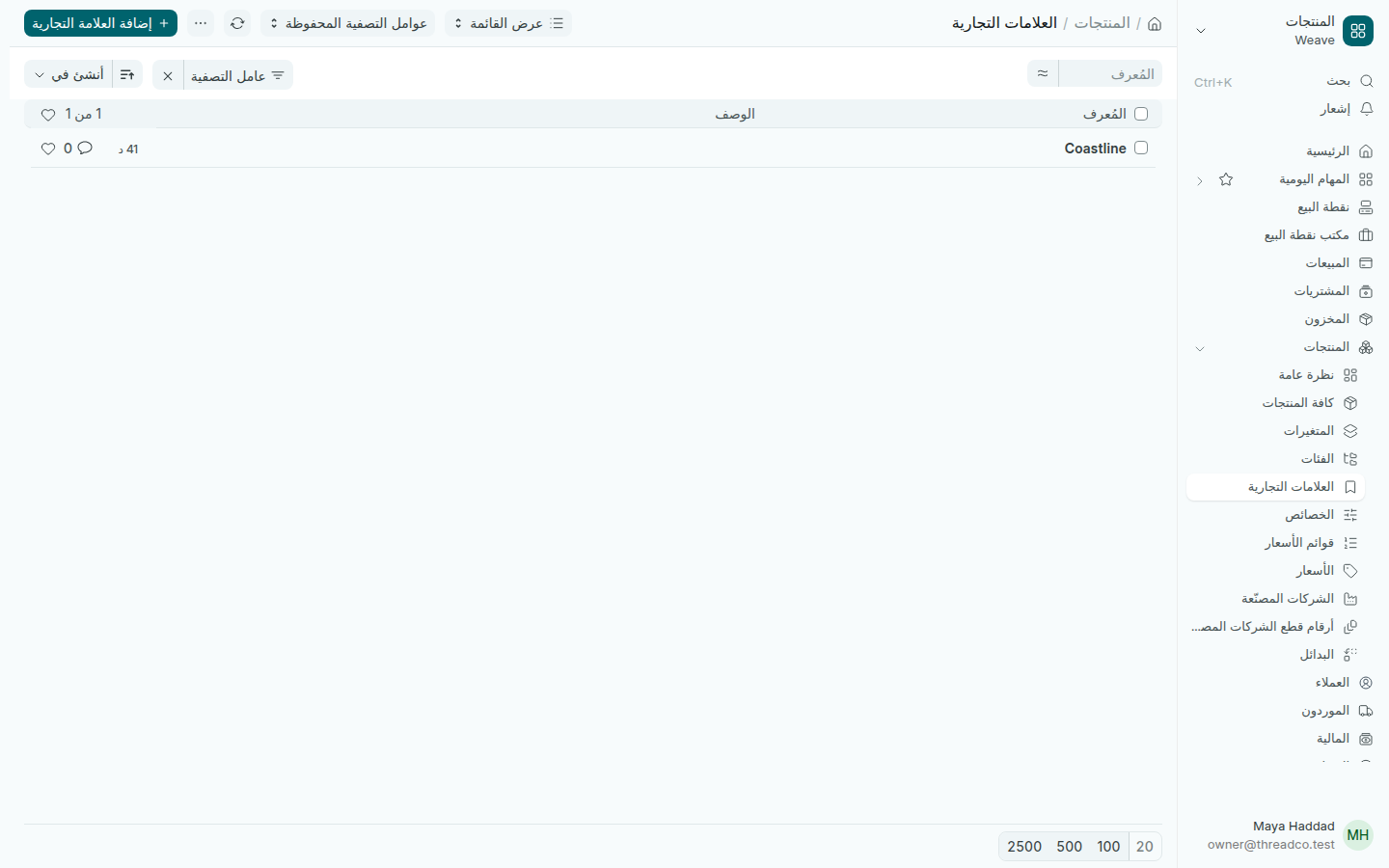
قائمة العلامات التجارية
تظهر العلامة التجارية في قائمة الأسعار وتقارير المخزون.

Categories and brands

A category groups similar products in reports and pages; a brand says who makes them.

Every product has one category, such as clothing or shoes. Categories appear in stock value by category and in report filters. A brand is optional.

Adding a category

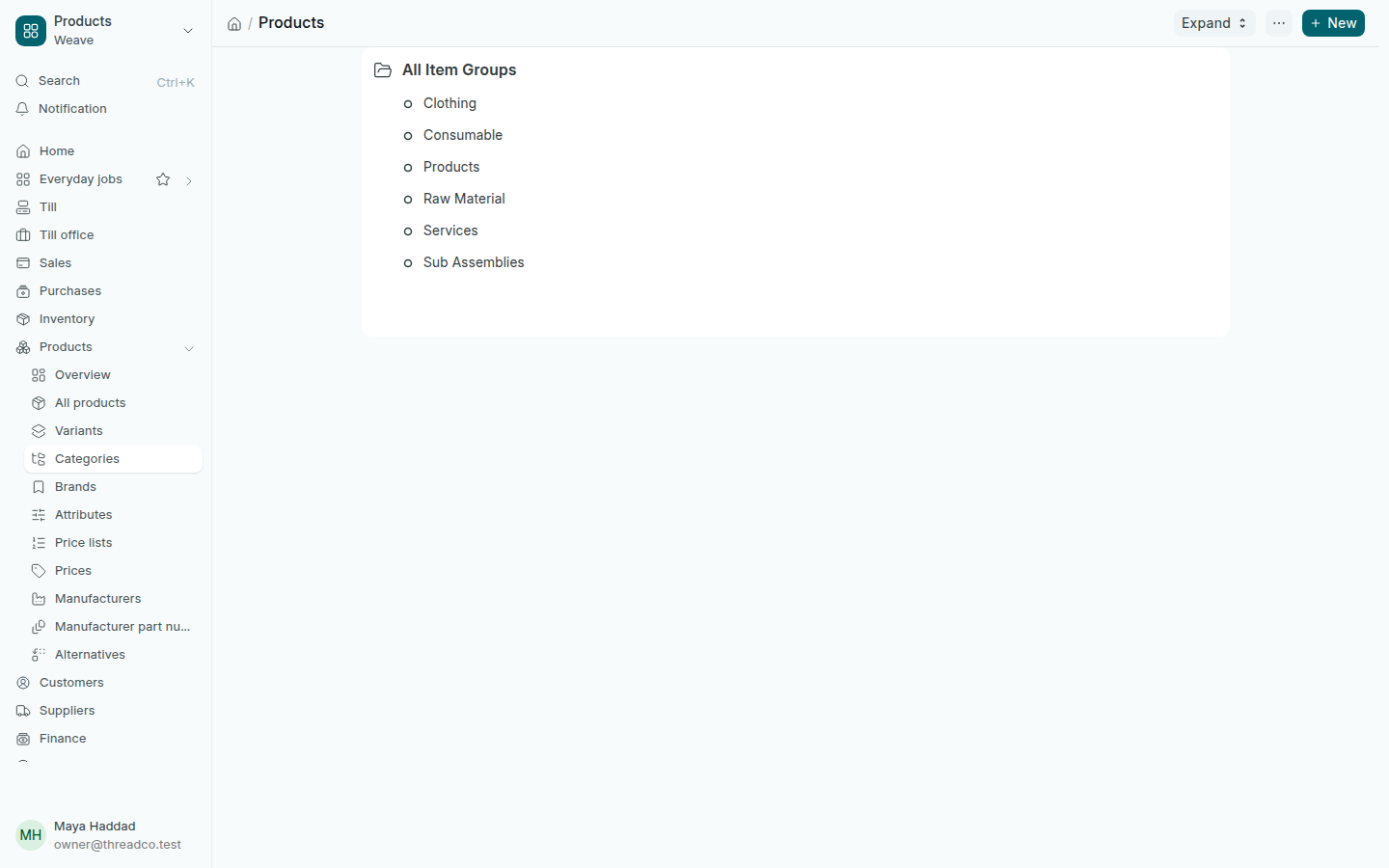
  1. Open Products → Categories. Categories show as a tree under All Item Groups.
  2. Press New and type the Item Group Name.
  3. To place it under another category, choose the Parent Item Group. A category that holds others is ticked as Is Group.
  4. Press Save.
The tree of product categories
Categories under All Item Groups.

A product's category is chosen in Category when you add it, or in the Details tab of the product.

Brands

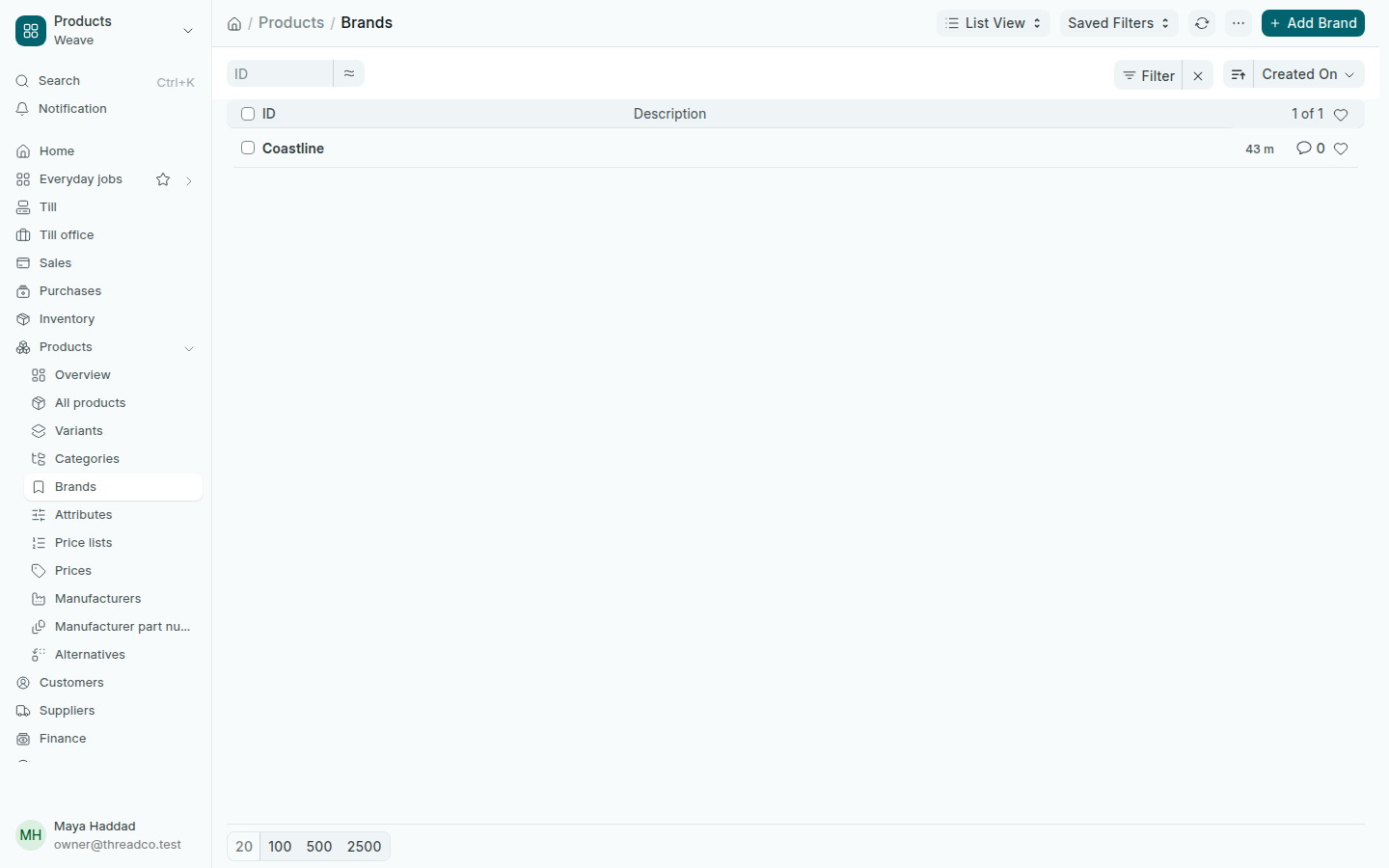
  1. Open Products → Brands and press Add Brand.
  2. Type the Brand Name and press Save.
  3. On the product, in the Details tab, open the Description section and choose the Brand.
The list of brands
The brand shows on the price list and the stock reports.