الإيصالات والمستندات والشعار

شكل ما يطبعه Weave ويرسله: الإيصالات والفواتير، وشعار متجرك، وصفحة الدخول، والبريد الإلكتروني.

الإيصالات وتخطيطات المستندات

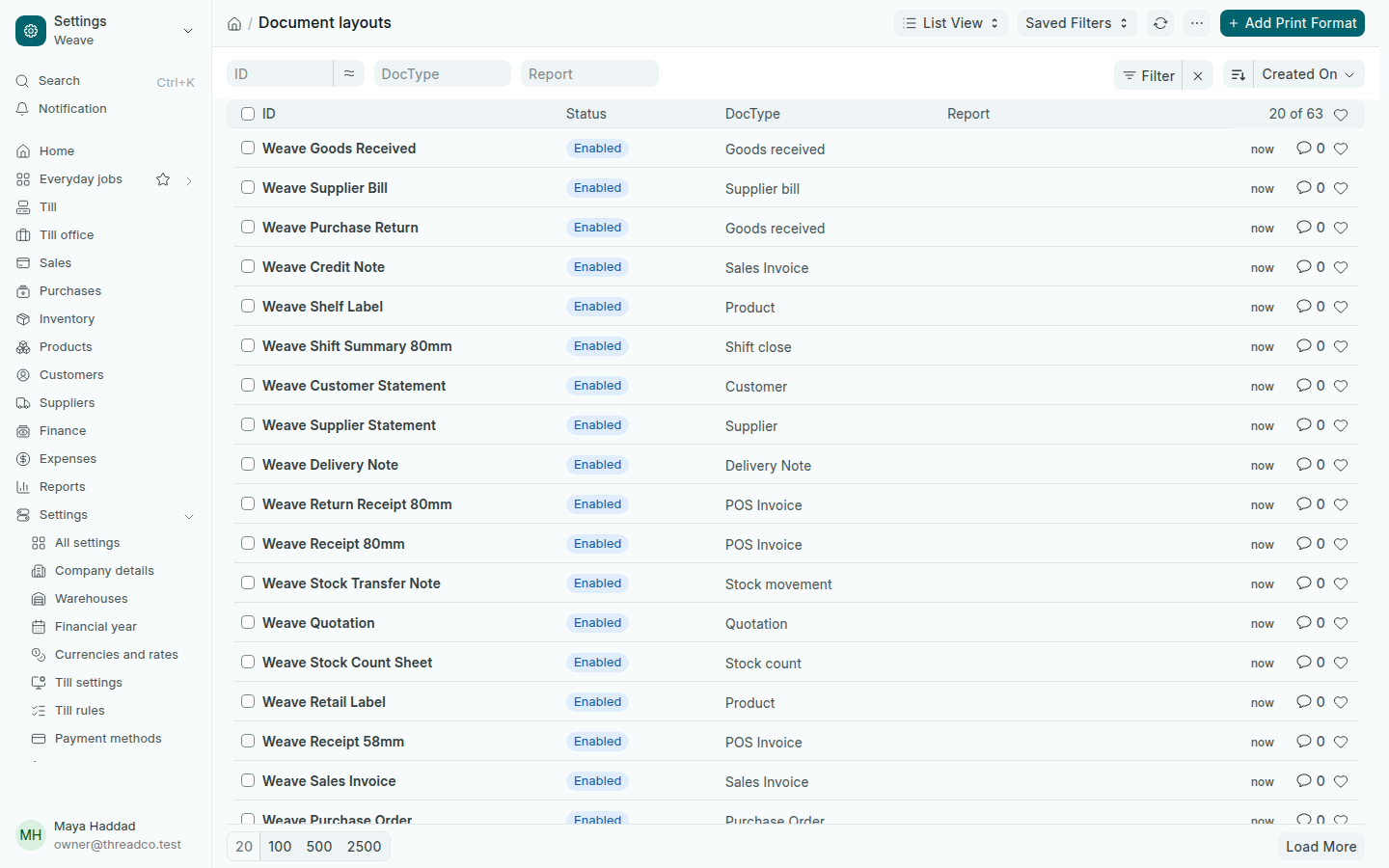
افتح الإعدادات ← تخطيطات المستندات. لكل مستند يطبعه Weave تخطيط باسم يبدأ بـ Weave: إيصال 80 مم و58 مم، وإيصال المرتجع، وفاتورة العميل، وكشف الحساب، والملصقات، وغيرها. الإيصالات تفتح القائمة نفسها.
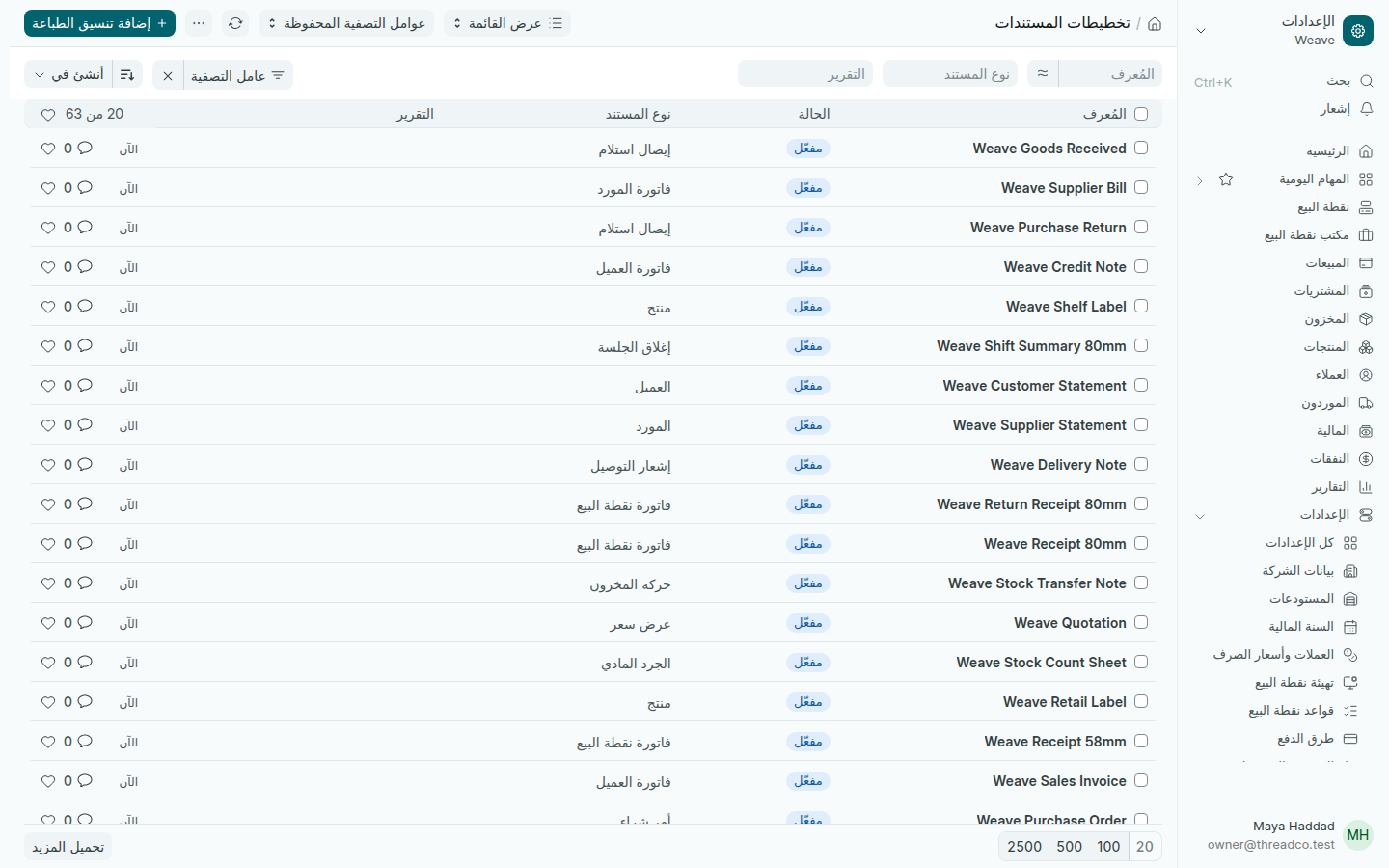
تخطيطات المستندات
كل تخطيط يطبع بالعربية والإنكليزية معاً.

هذه التخطيطات جاهزة ولا تحتاج تعديلاً. تطبع اسم شركتك وشعارها وبياناتها من بيانات الشركة.

شعار متجرك

  1. افتح الإعدادات ← بيانات الشركة.
  2. اضغط الصورة في أعلى اللوحة الجانبية، التي تحمل الأحرف الأولى من اسم شركتك، واختر ملف شعارك.
  3. اطبع فاتورة أو إيصالاً لترى الشعار عليه.

المستندات والتذييلات

افتح الإعدادات ← المستندات والتذييلات. الترويسة رأس وتذييل تضيفهما إلى صفحة حين تختارها في معاينة الطباعة. تخطيطات Weave لا تحتاجها، ومعظم المتاجر تتركها كما هي.
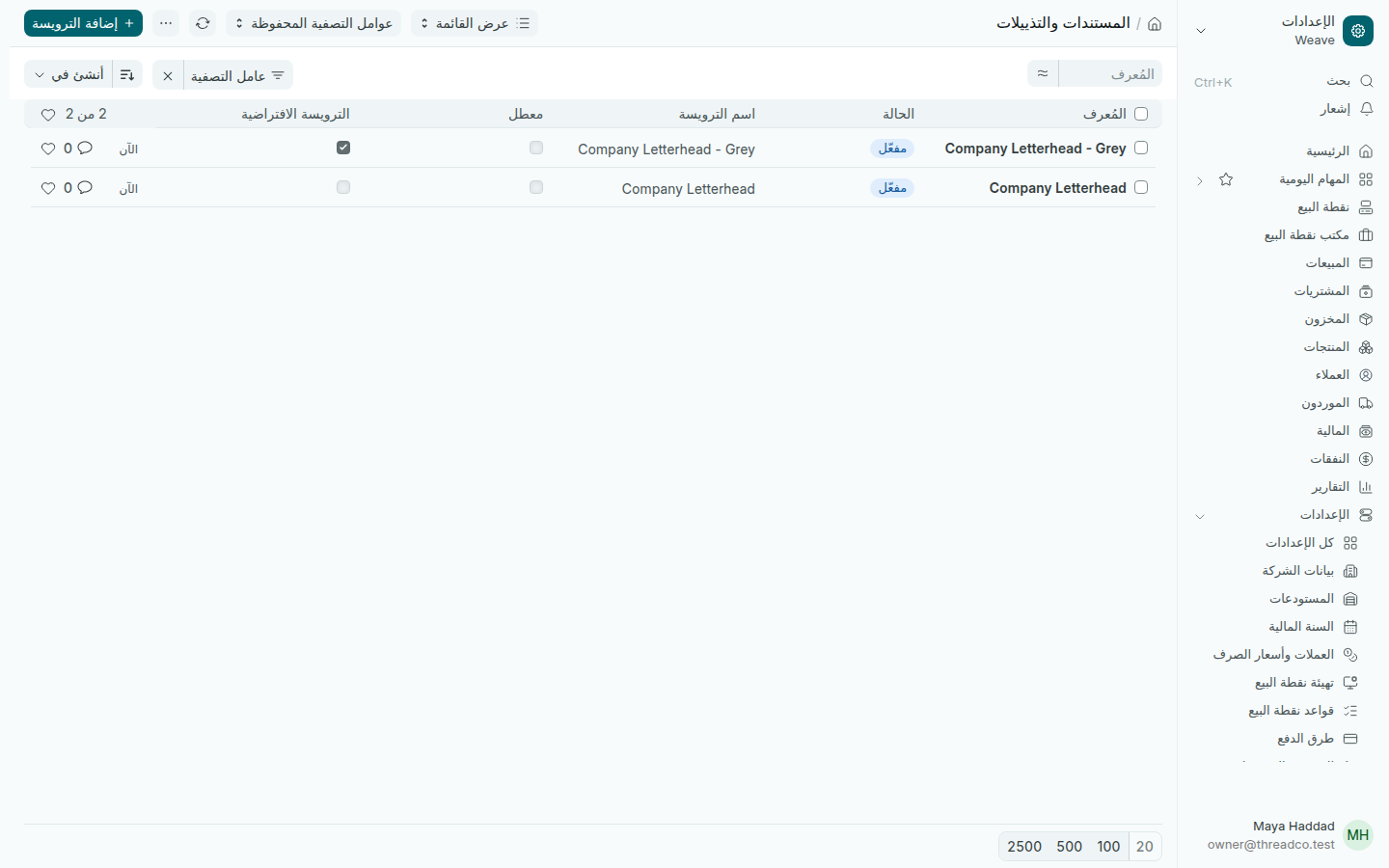
الترويسات
اثنتان جاهزتان: ملوّنة ورمادية.

الهوية والشعارات

افتح الإعدادات ← الهوية والشعارات. اسم التطبيق وشعار التطبيق يظهران في صفحة الدخول. أبقِ إيقاف التسجيل محدّداً، فلا يدخل أحد إلا بحساب يضيفه المالك.

مظهر البريد الإلكتروني

افتح الإعدادات ← مظهر البريد الإلكتروني. فيها الرسائل التي يرسلها Weave بالعربية والإنكليزية معاً: الفاتورة، والإيصال، وكشف الحساب، وأمر الشراء، والتذكير بالدفع، والدعوة، وإعادة تعيين كلمة المرور.
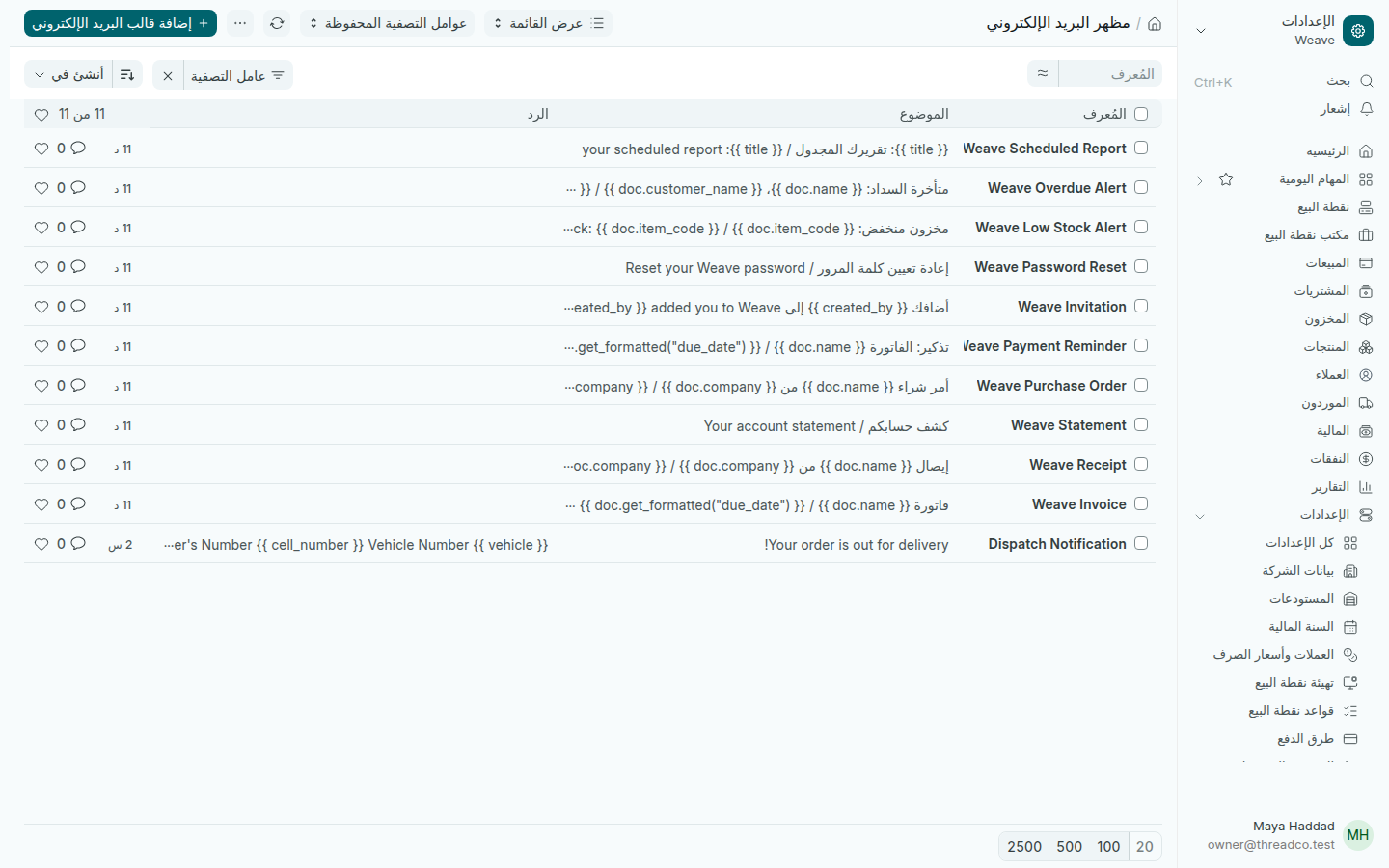
قوالب البريد الإلكتروني
الموضوع بالعربية ثم بالإنكليزية.

Receipts, documents and your logo

How what Weave prints and sends looks: receipts and invoices, your logo, the sign-in page and email.

Receipts and document layouts

Open Settings → Document layouts. Each document Weave prints has a layout whose name starts with Weave: the 80 mm and 58 mm receipts, the return receipt, the sales invoice, the statement, the labels and more. Receipts opens the same list.

Document layouts
Every layout prints in Arabic and English together.

These layouts are ready and need no changes. They print your company's name, logo and details from Company details.

Your shop's logo

  1. Open Settings → Company details.
  2. Press the picture at the top of the side panel, the one with your company's initials, and choose your logo file.
  3. Print an invoice or a receipt to see the logo on it.

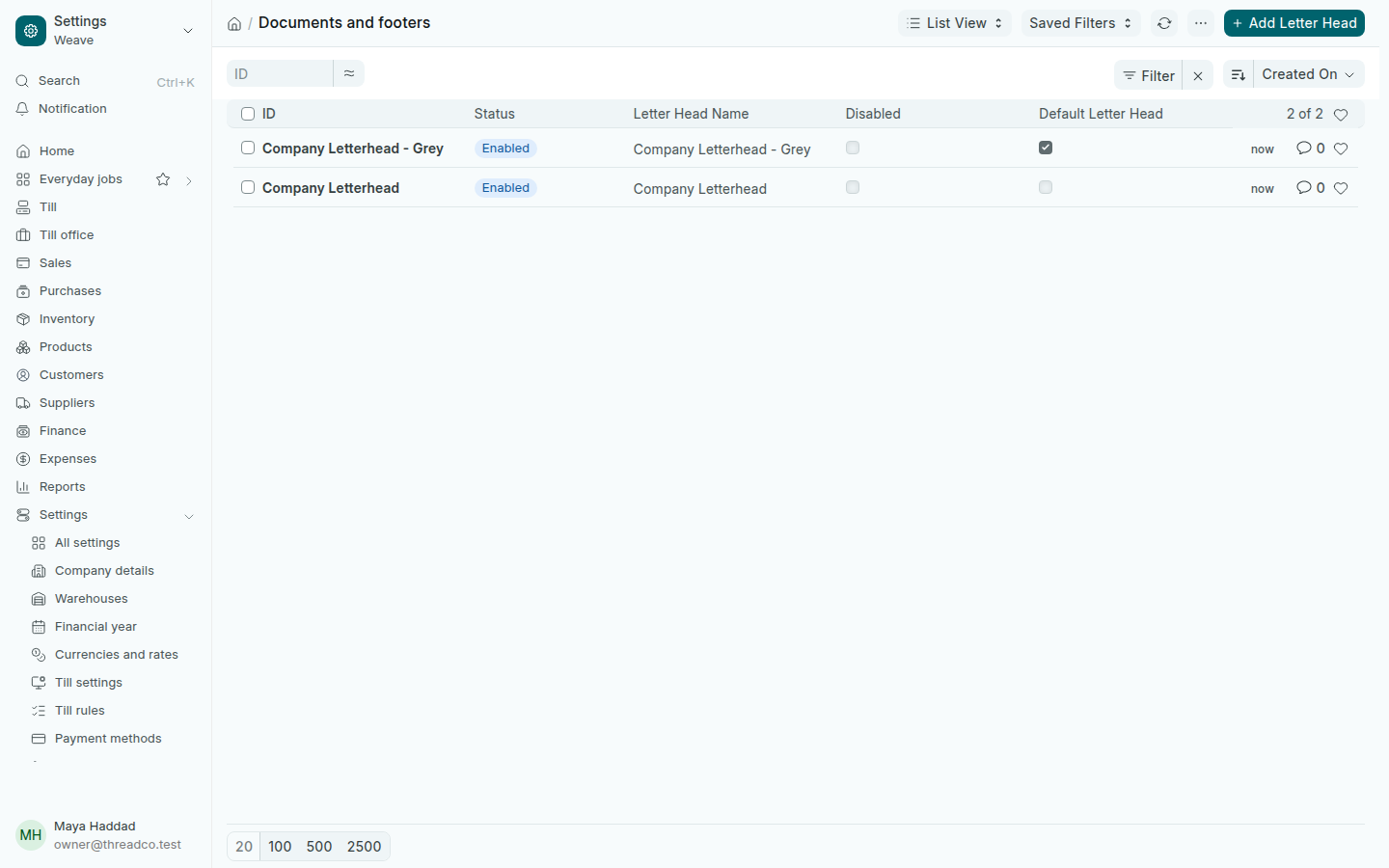
Documents and footers

Open Settings → Documents and footers. A letter head is a header and footer added to a page when you choose it in the print preview. Weave's layouts do not need one, and most shops leave them as they are.

Letter heads
Two come ready: colour and grey.

Identity and logos

Open Settings → Identity and logos. The App Name and App Logo show on the sign-in page. Keep Disable signups ticked, so nobody gets in without an account the owner added.

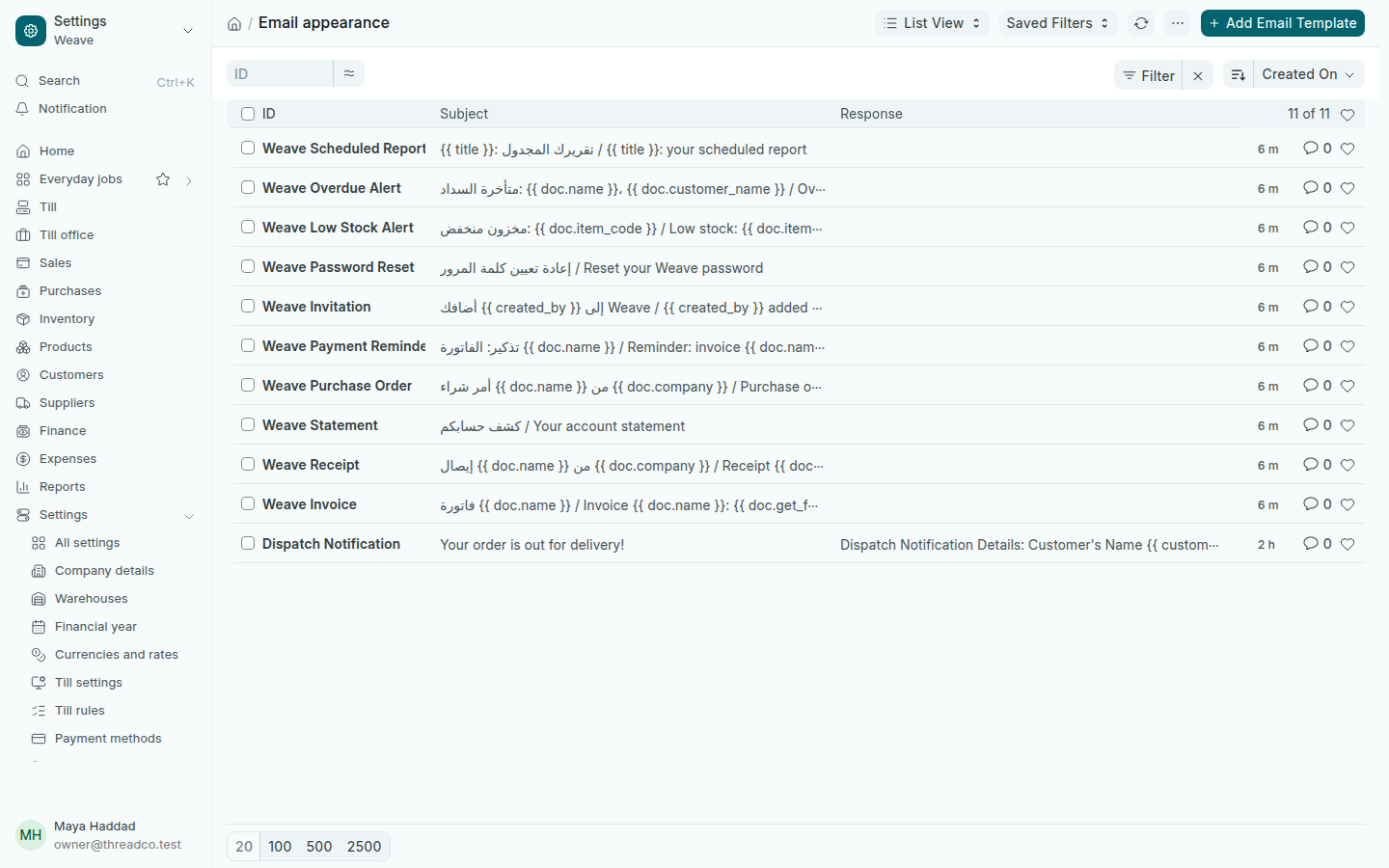
Email appearance

Open Settings → Email appearance. It holds the messages Weave sends, in Arabic and English together: the invoice, the receipt, the statement, the purchase order, the payment reminder, the invitation and the password reset.

Email templates
The subject in Arabic, then in English.