عملاء الموقع والاستفسارات

من سجّل حساباً على موقعك، والرسائل التي تصلك من صفحة التواصل.

عملاء الموقع

عندما يسجّل شخص حساباً على موقعك ويدخل، يصبح عميلاً في Weave كأي عميل آخر: ترى طلباته وفواتيره ودفعاته ورصيده.

افتح الموقع الإلكتروني ← عملاء الموقع لترى العملاء الذين لهم حساب على الموقع. افتح عميلاً لترى بياناته وعناوينه وطلباته.
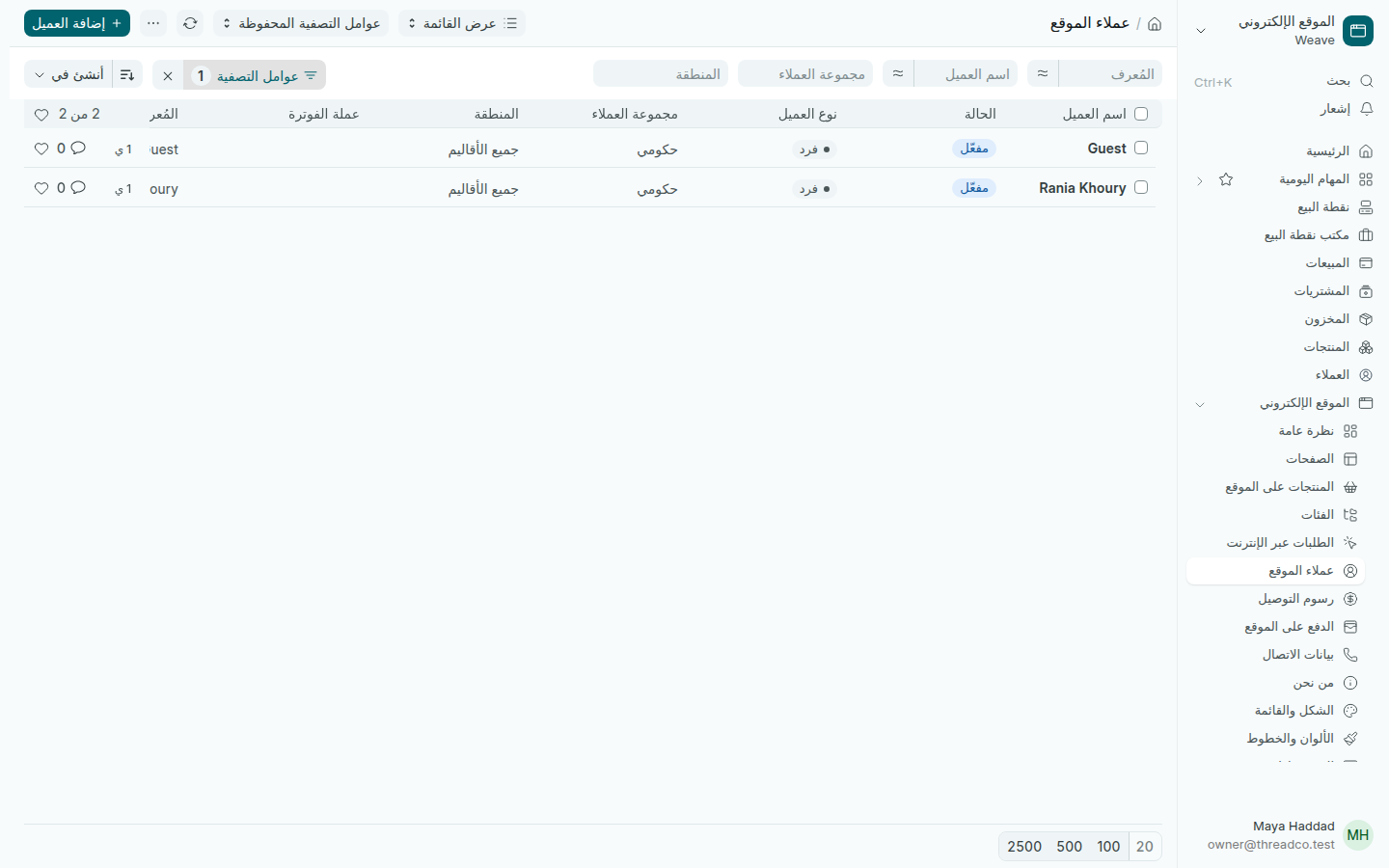
عملاء الموقع
العملاء الذين لهم حساب على الموقع.

حساب العميل لا يفتح Weave أبداً، ولا يمكن إعطاؤه صلاحيات فريقك.

الاستفسارات

كل رسالة يرسلها زائر من صفحة التواصل تُحفظ هنا، وتصل أيضاً إلى البريد الذي اخترته في بيانات الاتصال.

  1. افتح الموقع الإلكتروني ← الاستفسارات. الرسائل الجديدة حالتها مفتوح.
  2. افتح الرسالة لتقرأها، ثم ردّ على الزائر عبر بريده.
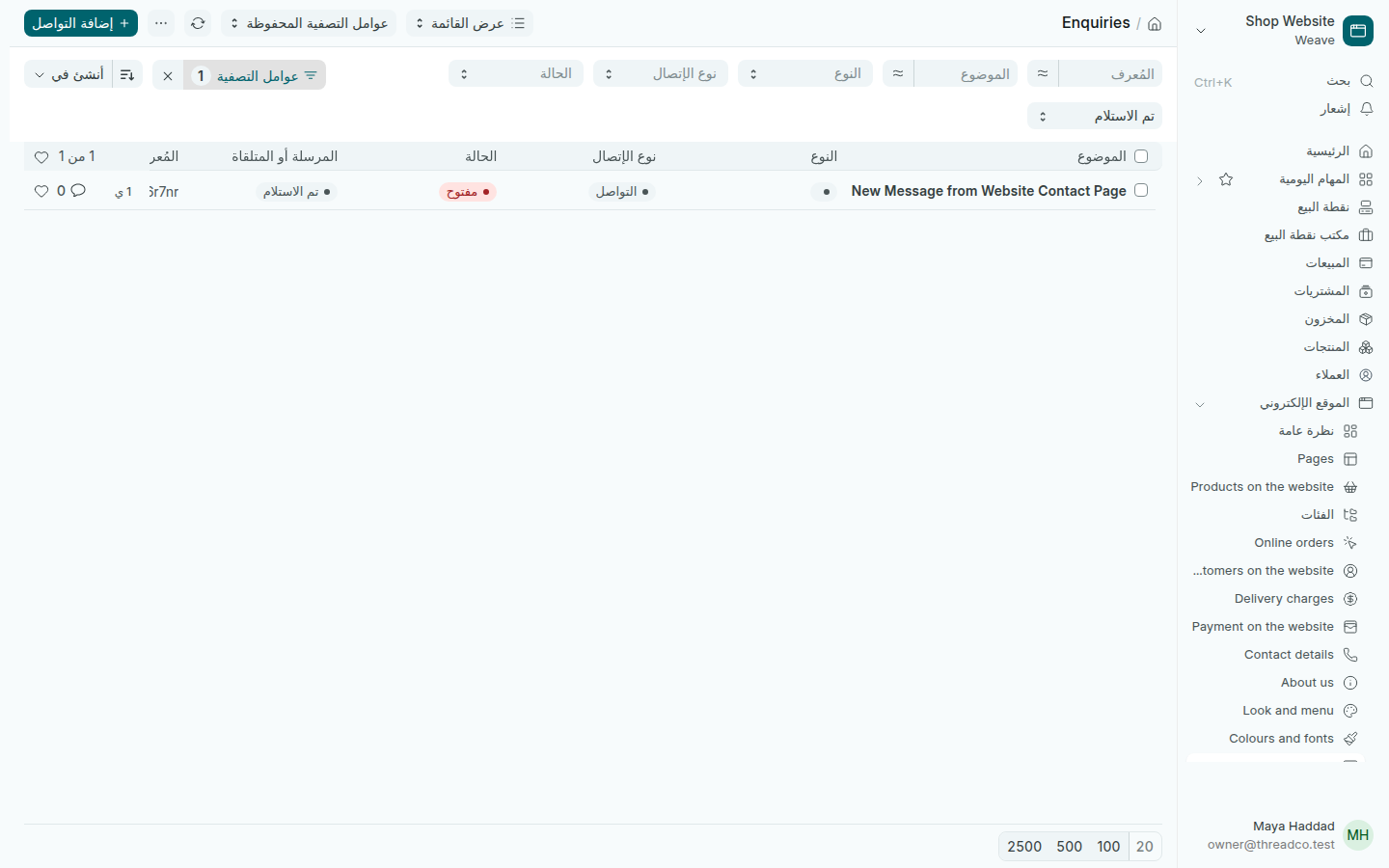
الاستفسارات
رسالة جديدة من صفحة التواصل.

يرى الاستفسارات من يحق له قراءة كل رسائل المتجر، وعادة هو المالك. إذا لم تجدها في قائمتك، فالمالك يتابعها.
Customers on the website and enquiries

Who has an account on your website, and the messages sent from the contact page.

Customers on the website

When someone signs up on your website and signs in, they become a customer in Weave like any other: you see their orders, invoices, payments and balance.

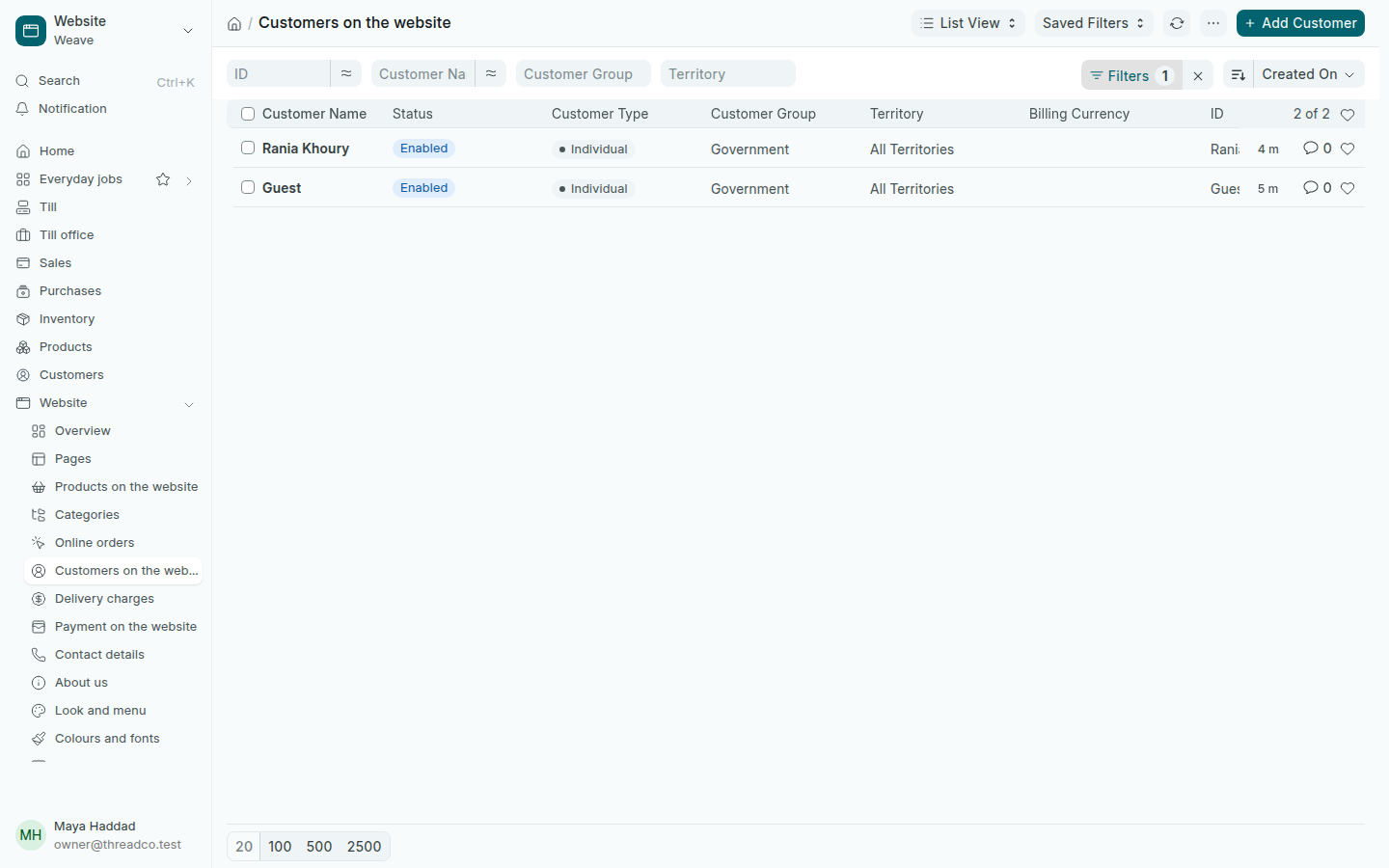
Open Website → Customers on the website to see the customers who have a website account. Open a customer to see their details, addresses and orders.

Customers on the website
The customers with a website account.

A customer's account never opens Weave, and it cannot be given your team's access.

Enquiries

Every message a visitor sends from the contact page is kept here, and also reaches the email you chose in Contact details.

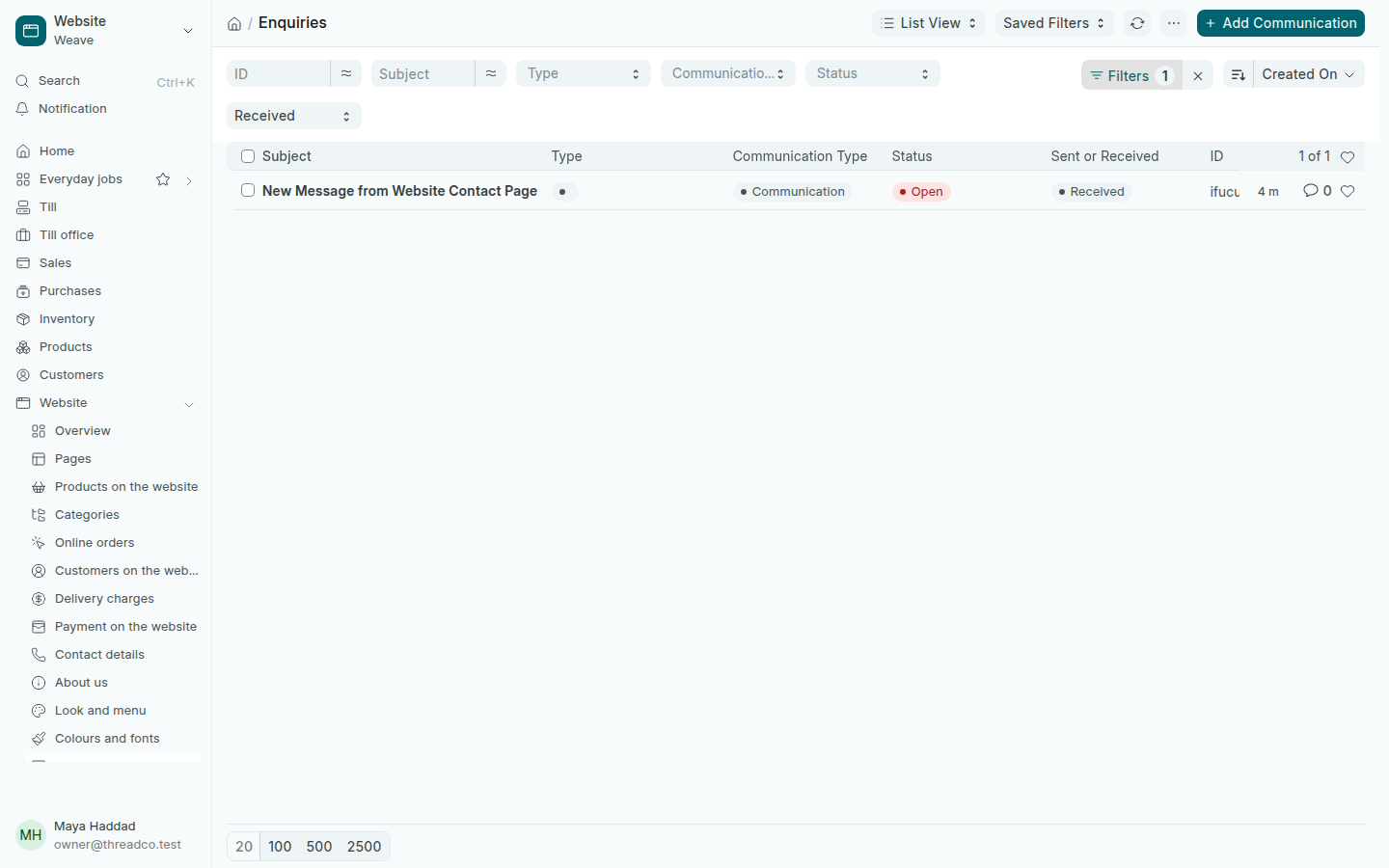
  1. Open Website → Enquiries. New messages have the status Open.
  2. Open a message to read it, then answer the visitor by email.
Enquiries
A new message from the contact page.

Enquiries are shown to whoever may read all the shop's messages, usually the owner. If they are not in your menu, the owner looks after them.