الدفع لاحقاً

عميل يثق به المالك يأخذ البضاعة الآن ويدفع لاحقاً، على دفعات، في أي نقطة بيع.

1. المالك يسمح للعميل

افتح سجل العميل، وفي قسم الدفع لاحقاً حدّد مسموح بالدفع لاحقاً واكتب الحد الائتماني، أي أعلى مبلغ يمكن أن يكون مستحقاً عليه. لا يمكن السماح بذلك لعميل Walk-in.

2. البيع بالدفع لاحقاً

  1. سجّل عملية البيع كالمعتاد واختر العميل. يظهر تحت اسمه ما هو مستحق عليه من أصل حدّه.
  2. اضغط الدفع، ثم الدفع لاحقاً. لا يُدفع أي شيء على الصندوق: المبلغ كله يصبح مستحقاً.
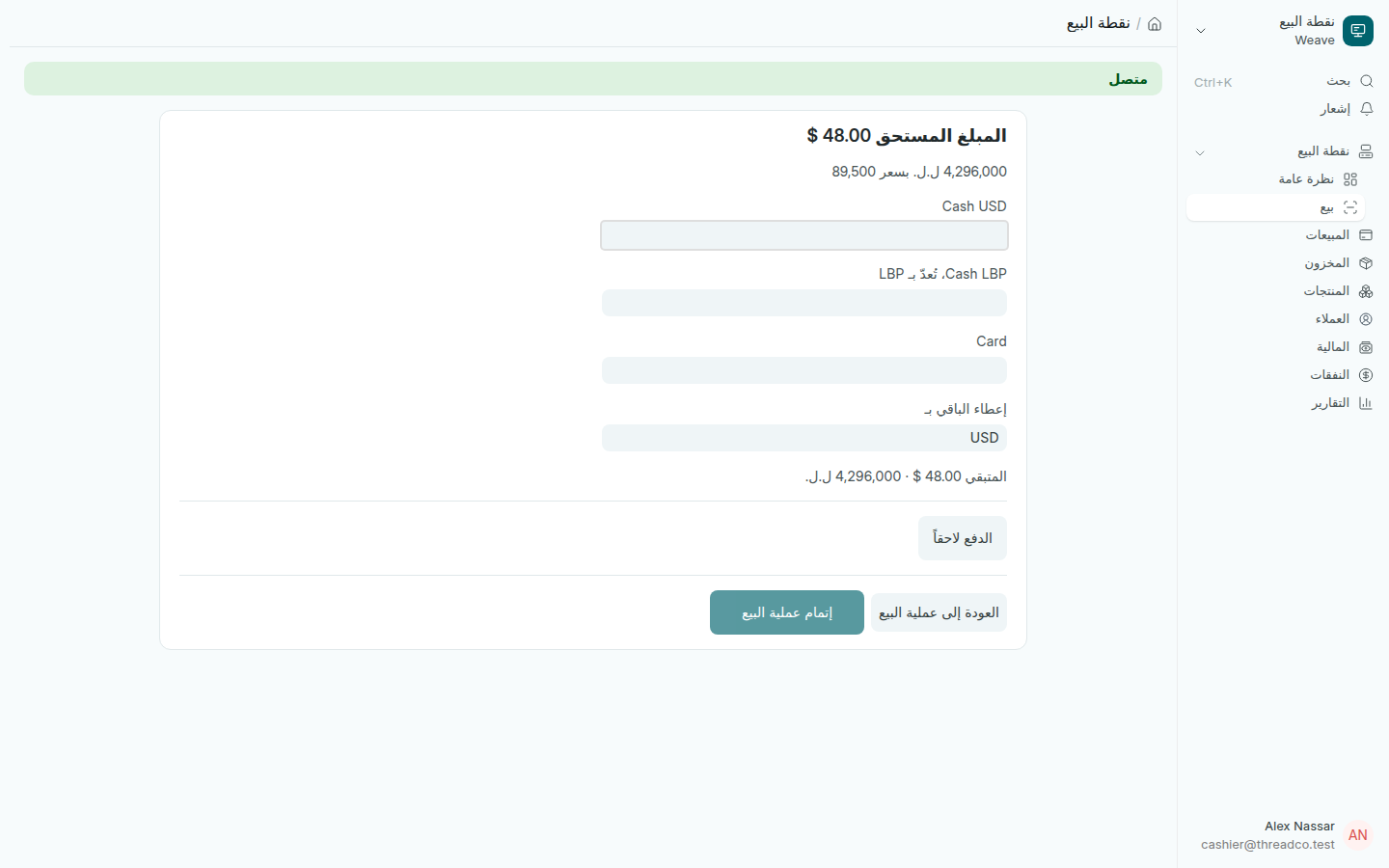
شاشة الدفع مع زر الدفع لاحقاً
يظهر الزر فقط لعميل سمح له المالك.

يُطبع على الإيصال ما سيُدفع لاحقاً، والمبلغ المستحق الآن، وسطر لتوقيع العميل. إذا تجاوزت العملية الحد الائتماني تُرفض، مثل: الحد الائتماني لـNour Saleh هو 300 دولار، والمستحق حالياً 85 دولاراً. ومن دون إنترنت يُطلب منك التأكيد، وتُسجَّل العملية ويُنبَّه المالك.

3. العميل يدفع

  1. على نقطة البيع اضغط استلام دفعة عميل.
  2. اختر العميل (تظهر فقط أسماء من عليهم مبالغ، مع المستحق على كل منهم)، ثم درج النقد، ثم المبلغ بعملة ذلك الدرج.
  3. اضغط استلام الدفعة. يُطبع إيصال بالمبلغ المدفوع والمتبقي.
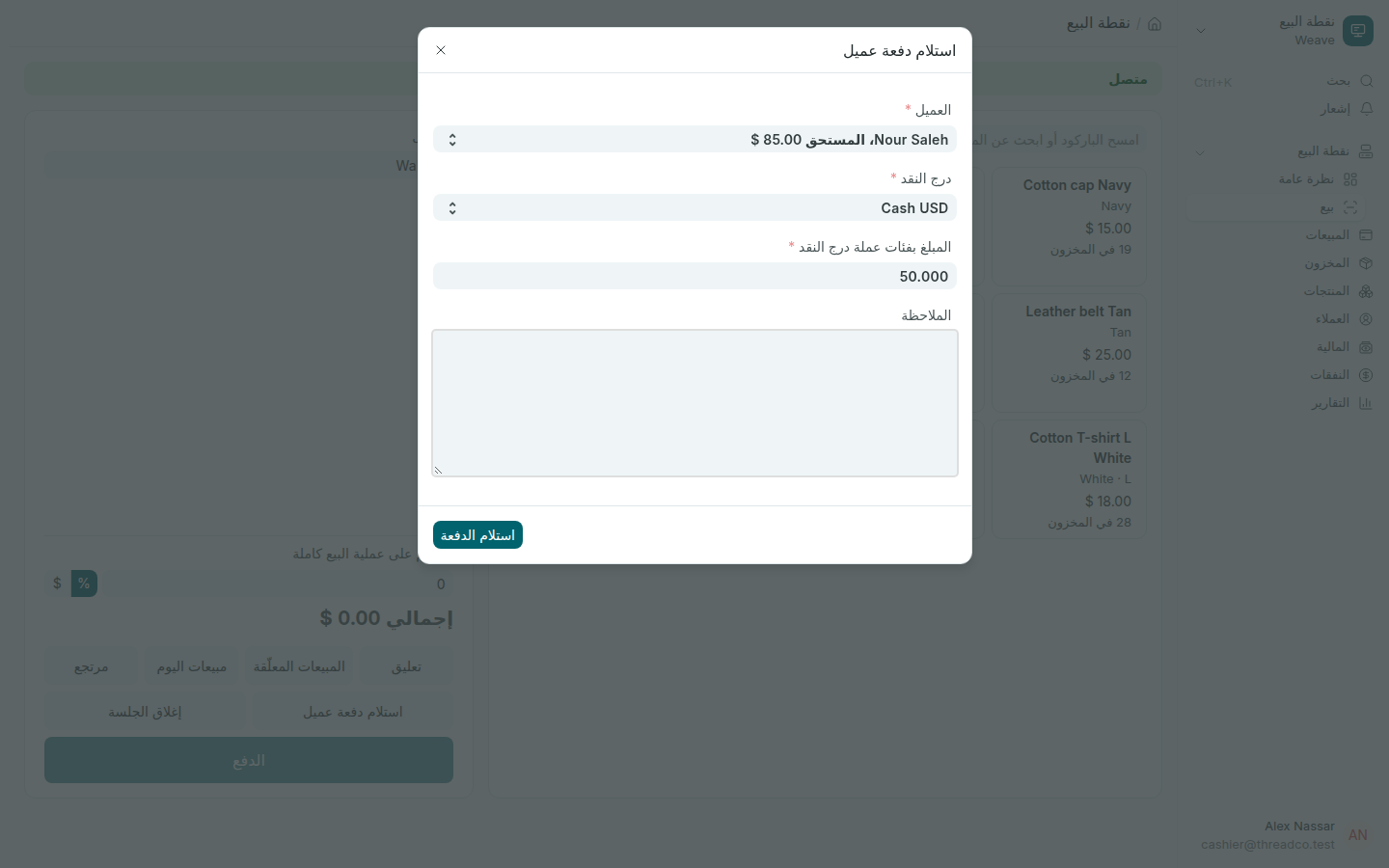
نافذة استلام دفعة عميل
تُخصم الدفعة من أقدم المبيعات غير المدفوعة أولاً.

يمكن الدفع على دفعات، بالدولار أو بالليرة بسعر يوم الدفع. ويستطيع المالك أو المدير أيضاً تسجيل دفعة على الحاسوب من الدفع لاحقاً في الصفحة الرئيسية أو في المهام اليومية، مثل تحويل مصرفي أو مبلغ دخل الخزنة مباشرة.
Pay later

A customer the owner trusts takes the goods now and pays later, in parts, at any till.

1. The owner allows the customer

Open the customer's record and, in its Pay later section, tick May pay later and type Most they may owe. Walk-in can never be allowed.

2. Selling on pay later

  1. Ring the sale as usual and choose the customer. Under their name the till shows what they owe of their limit.
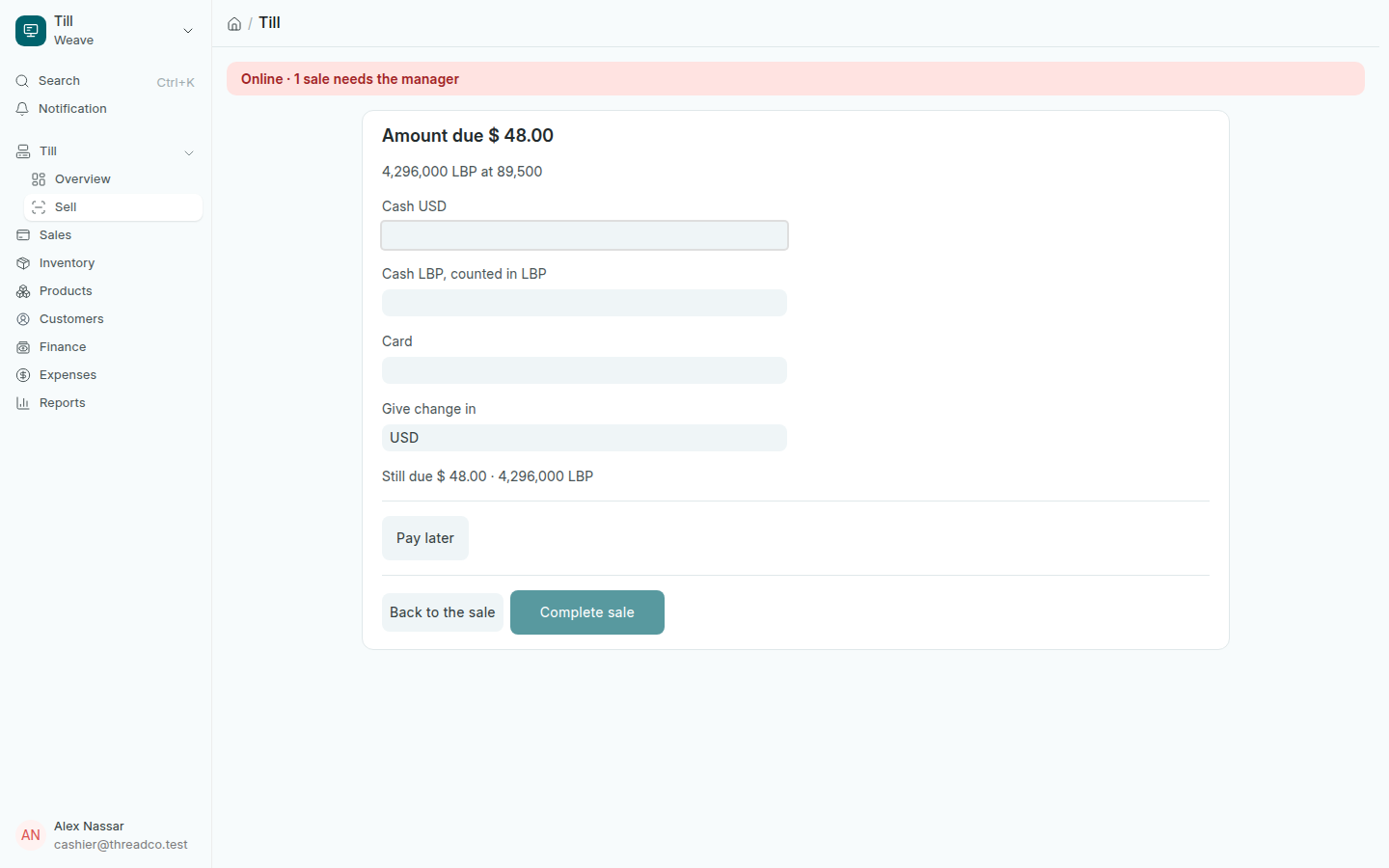
  2. Press Pay, then Pay later. Nothing is paid at the counter: the whole amount is owed.
The payment screen with the Pay later button
The button appears only for a customer the owner has allowed.

The receipt shows what is to be paid later, what the customer owes now, and a line for their signature. A sale that would take them over their limit is refused, for example: Nour Saleh can owe at most $300.00; they owe $85.00. With no internet you are asked to confirm, and the sale is recorded and flagged for the owner.

3. The customer pays

  1. On the till, press Customer pays.
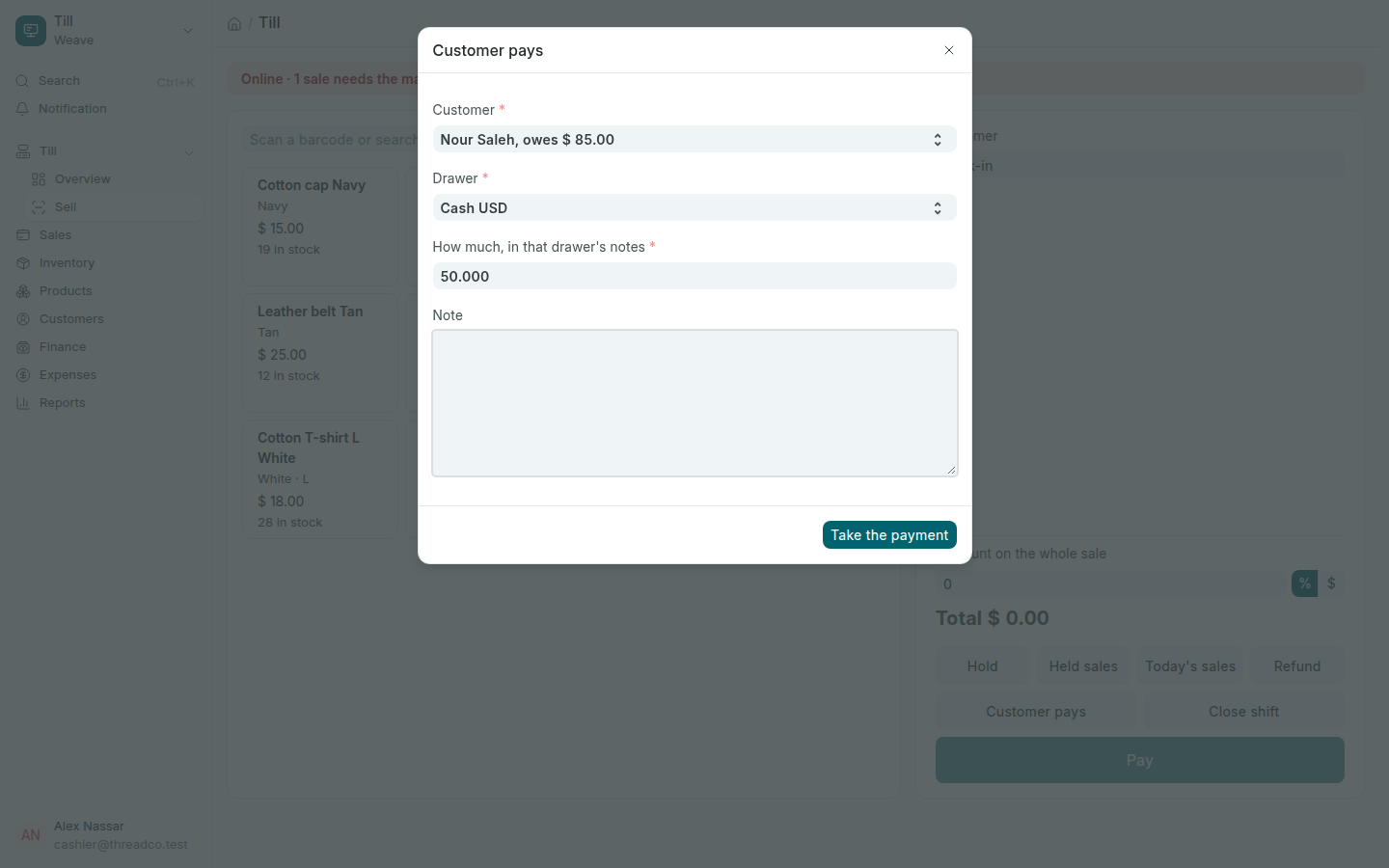
  2. Choose the Customer (only those who owe are listed, with what each owes), the Drawer, and How much, in that drawer's notes.
  3. Press Take the payment. A slip prints with what was paid and what is still owed.
The Customer pays window
A payment clears the customer's oldest unpaid sales first.

Customers can pay in parts, in dollars or in pounds at the rate of the day they pay. The owner or a manager can also record a payment on the computer from Pay later on the home page or in Everyday jobs, such as a bank transfer or money paid straight into the safe.