مسح منتج لمعرفة سعره ومخزونه

سعر أي منتج بالدولار والليرة، ومخزونه في كل فرع، وما تفعله حين لا يعرف Weave الرمز.

  1. اضغط مسح في وسط الشريط السفلي، ووجّه الكاميرا إلى الباركود. أو اضغط اكتب الرمز واكتبه.
  2. يفتح المنتج: السعر بالدولار ثم بالليرة، وسعر الصرف وتاريخه، والمخزون في كل فرع.
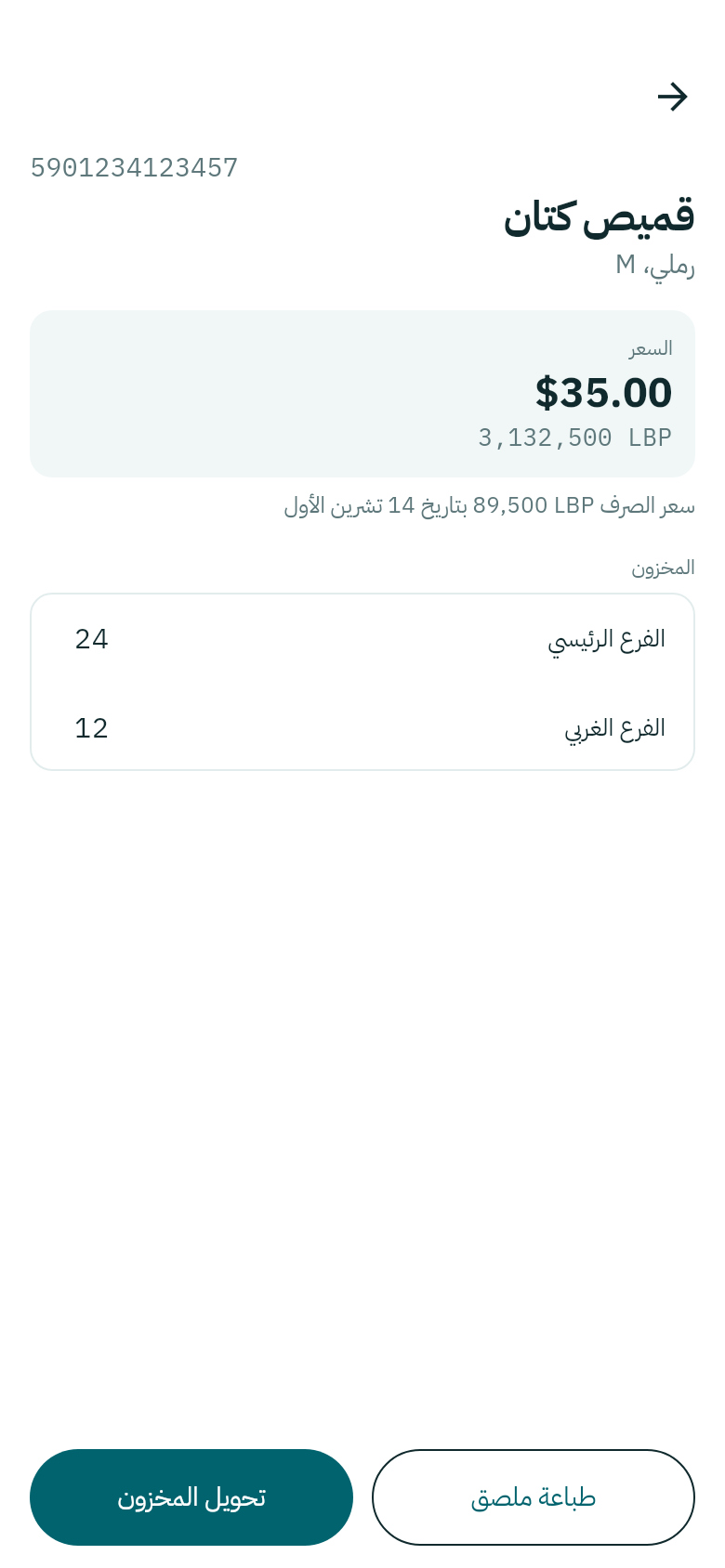
منتج في Weave Companion
القطع في كل فرع، الآن.

من المنتج نفسه: طباعة ملصق يضيفه إلى ملصقات للطباعة، وتحويل المخزون ينقله إلى فرع آخر، انظر الاستلام والتحويل والشطب.

لا يوجد منتج بهذا الرمز

إن مسحت باركوداً لا يعرفه Weave، يُطلب من المالك والمدير أن يختارا المنتج الذي ينتمي إليه: ابحث عنه، ثم اضغط استخدم بجانبه. تجده نقطة البيع من المسح التالي.
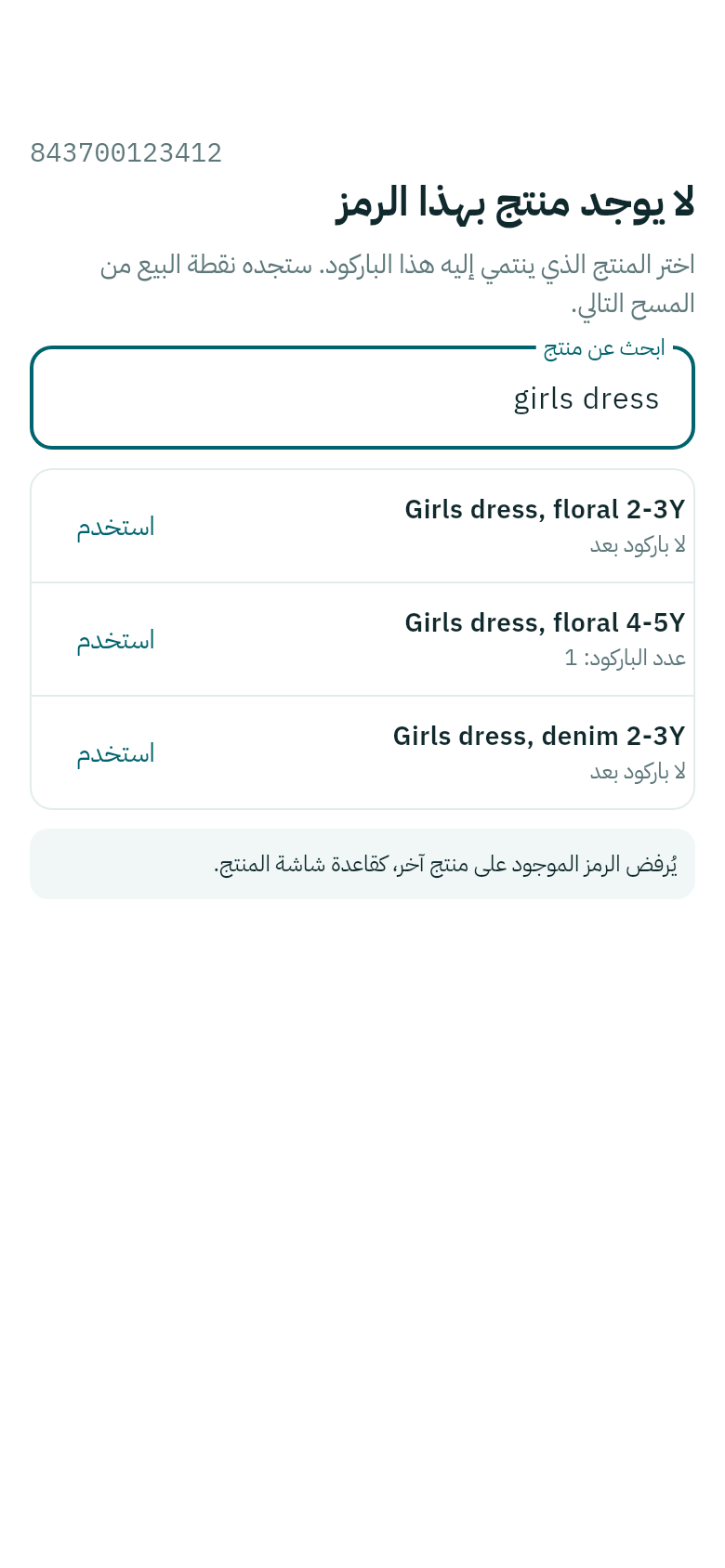
لا يوجد منتج بهذا الرمز
يُرفض الرمز إن كان على منتج آخر.

أما بقية الموظفين فيرون أن المدير يضيف الباركود إلى المنتج في Weave.
Scan a product for its price and stock

Any product's price in dollars and pounds and its stock in each branch, and what to do when Weave does not know the code.

  1. Tap Scan in the middle of the bottom bar and point the camera at the barcode. Or tap Type code and type it.
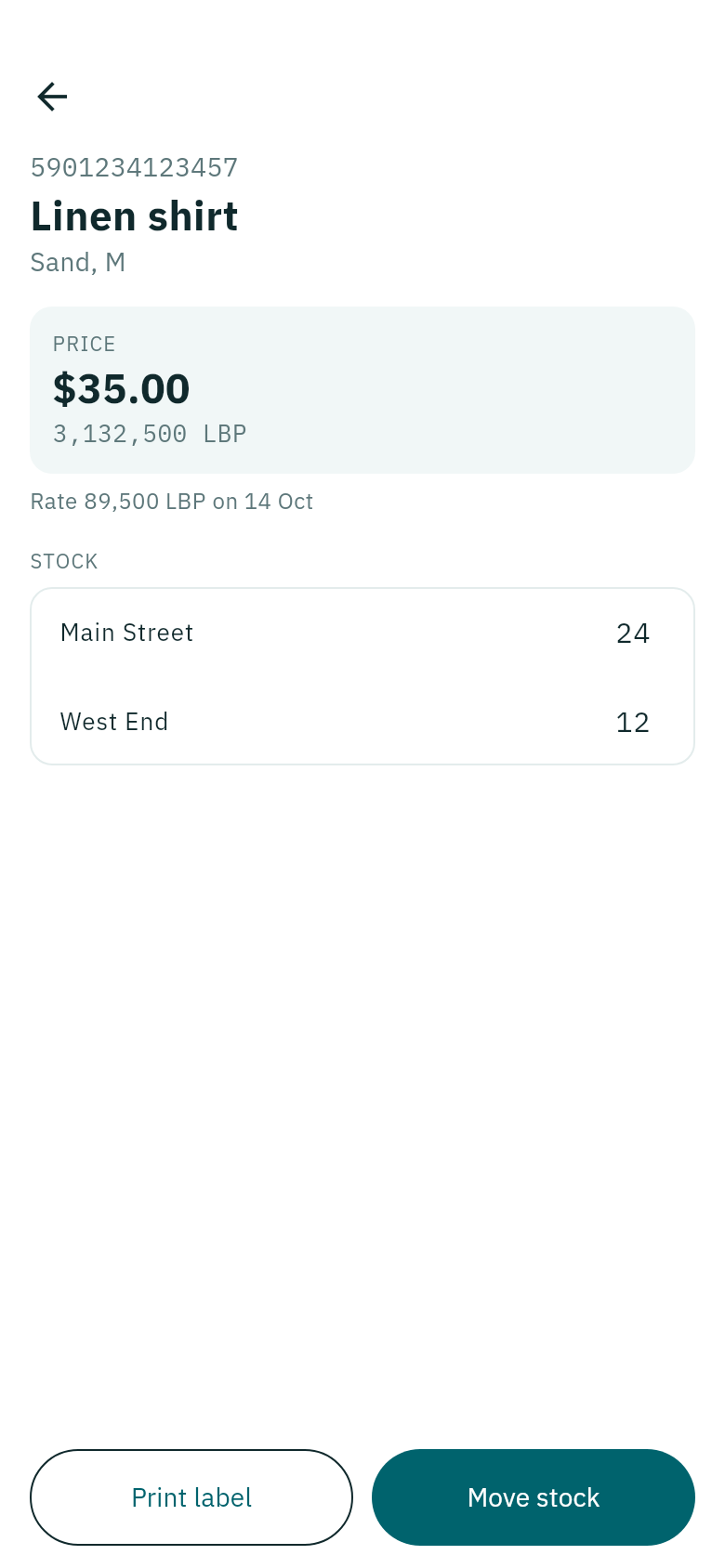
  2. The product opens: the Price in dollars then pounds, the rate and its date, and the Stock in each branch.
A product in Weave Companion
The pieces in each branch, now.

From the product itself: Print label adds it to Labels to print, and Move stock moves it to another branch, see Receive, move and take out.

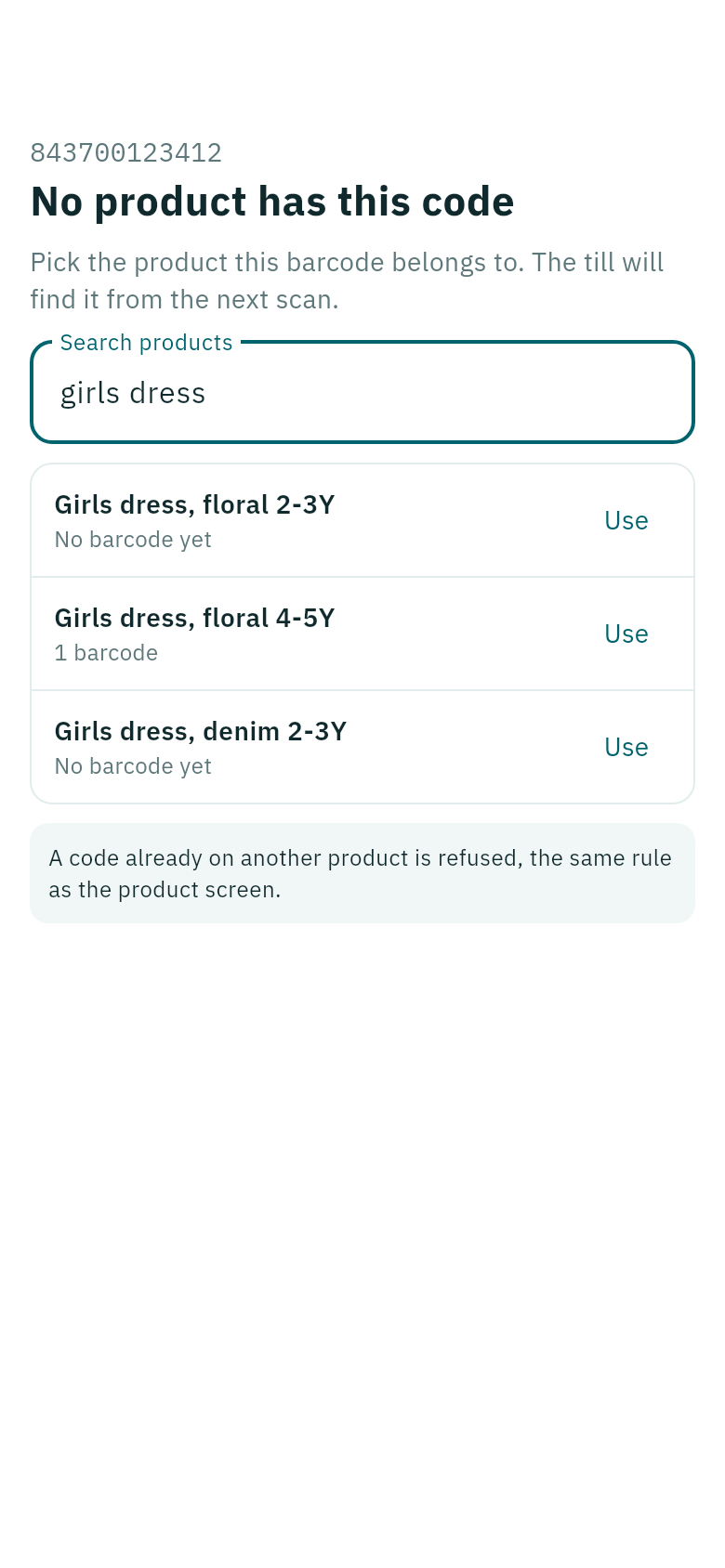
No product has this code

When you scan a barcode Weave does not know, owners and managers are asked to pick the product it belongs to: search for it, then tap Use beside it. The till finds it from the next scan.

No product has this code
A code already on another product is refused.

Other staff are told that a manager adds the barcode to the product in Weave.