استلام البضاعة

تسجيل ما وصل من المورد في مخزون الفرع، من أمر الشراء أو مباشرة.

لتسجيل البضاعة وفاتورتها ودفعتها بحفظ واحد، استعمل تسجيل استلام بضاعة. هذه الطريقة لما طلبته بأمر شراء.

من أمر الشراء

  1. افتح أمر الشراء واضغط إنشاء ← إيصال استلام. يُملأ المورد والمنتجات والكميات.
  2. اكتب رقم ورقة التسليم في إشعار توصيل المورد.
  3. عدّ ما وصل. غيّر الكمية المقبولة إن وصل أقل، واكتب التالف في الكمية المرفوضة.
  4. تأكد أن مستودع البضاعة المقبولة هو الفرع الصحيح، ثم اضغط حفظ وتأكيد.
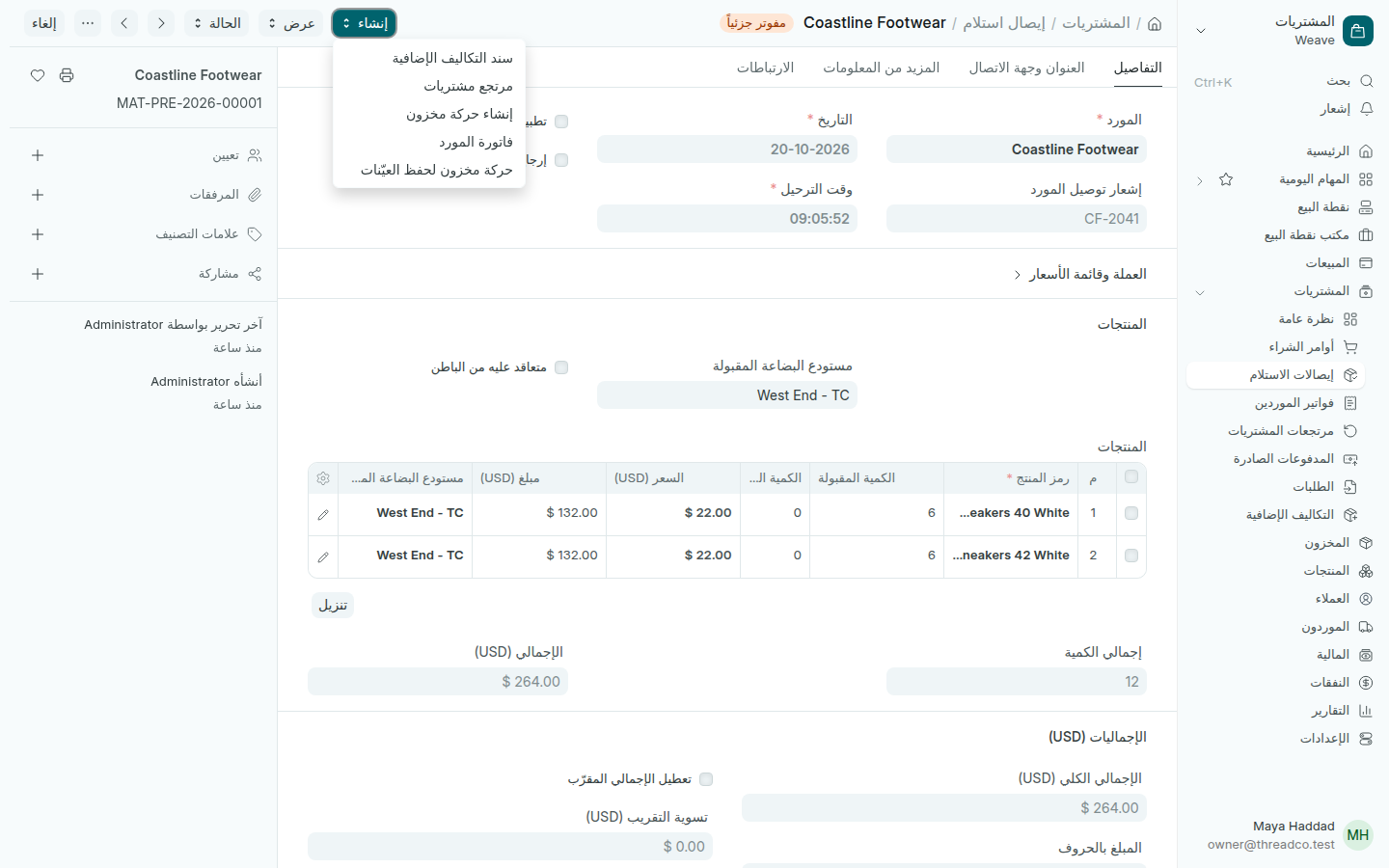
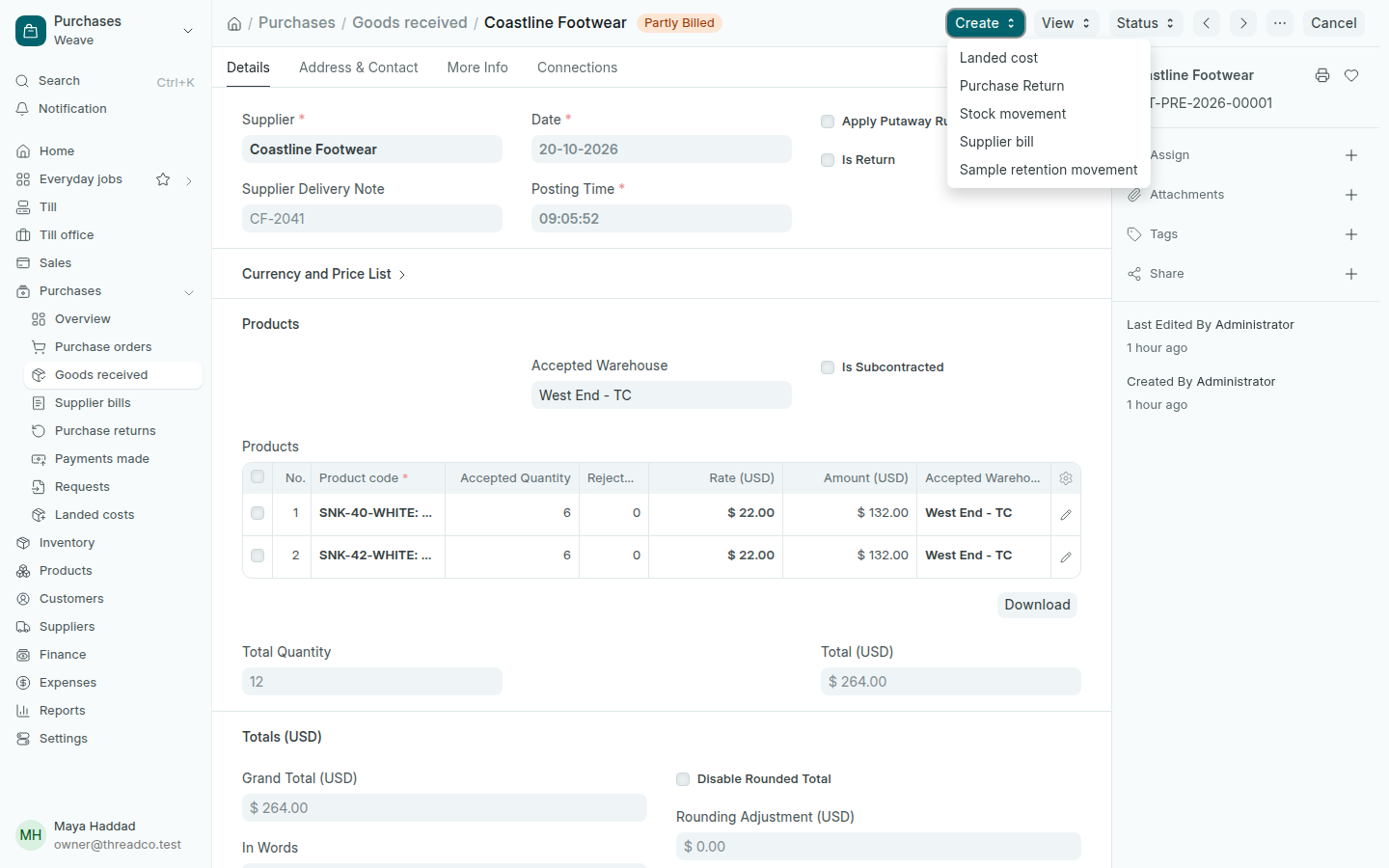
إيصال استلام مؤكد
من إنشاء تُنشئ فاتورة المورد أو المرتجع أو التكاليف الإضافية.

عند التأكيد تدخل القطع مخزون الفرع بسعر الأمر. ما بقي غير مستلم يبقى في الأمر حتى يصل.

بعد الاستلام

Receiving goods

Record what arrived from the supplier into the branch's stock, from the purchase order or directly.

To record goods, their bill and the payment in one save, use Record a delivery. This way is for what you ordered on a purchase order.

From the purchase order

  1. Open the purchase order and press Create → Goods received. The supplier, products and quantities fill in.
  2. Type the number on their delivery paper in Supplier Delivery Note.
  3. Count what arrived. Change the Accepted Quantity if less came, and type damaged pieces in Rejected Quantity.
  4. Check the Accepted Warehouse is the right branch, then press Save and Submit.
A submitted goods received note
Create makes the supplier bill, a return or a landed cost.

On submit, the pieces enter the branch's stock at the order's rate. Anything not received stays on the order until it arrives.

After receiving