صفحة المشتريات

ما استلمته هذا الشهر، وما تنتظره من الموردين، وما عليك دفعه وموعده.

افتح المشتريات من القائمة الجانبية. تبدأ الصفحة بالاختصارات إيصالات الاستلام وفواتير الموردين وأوامر الشراء، ثم الأرقام.
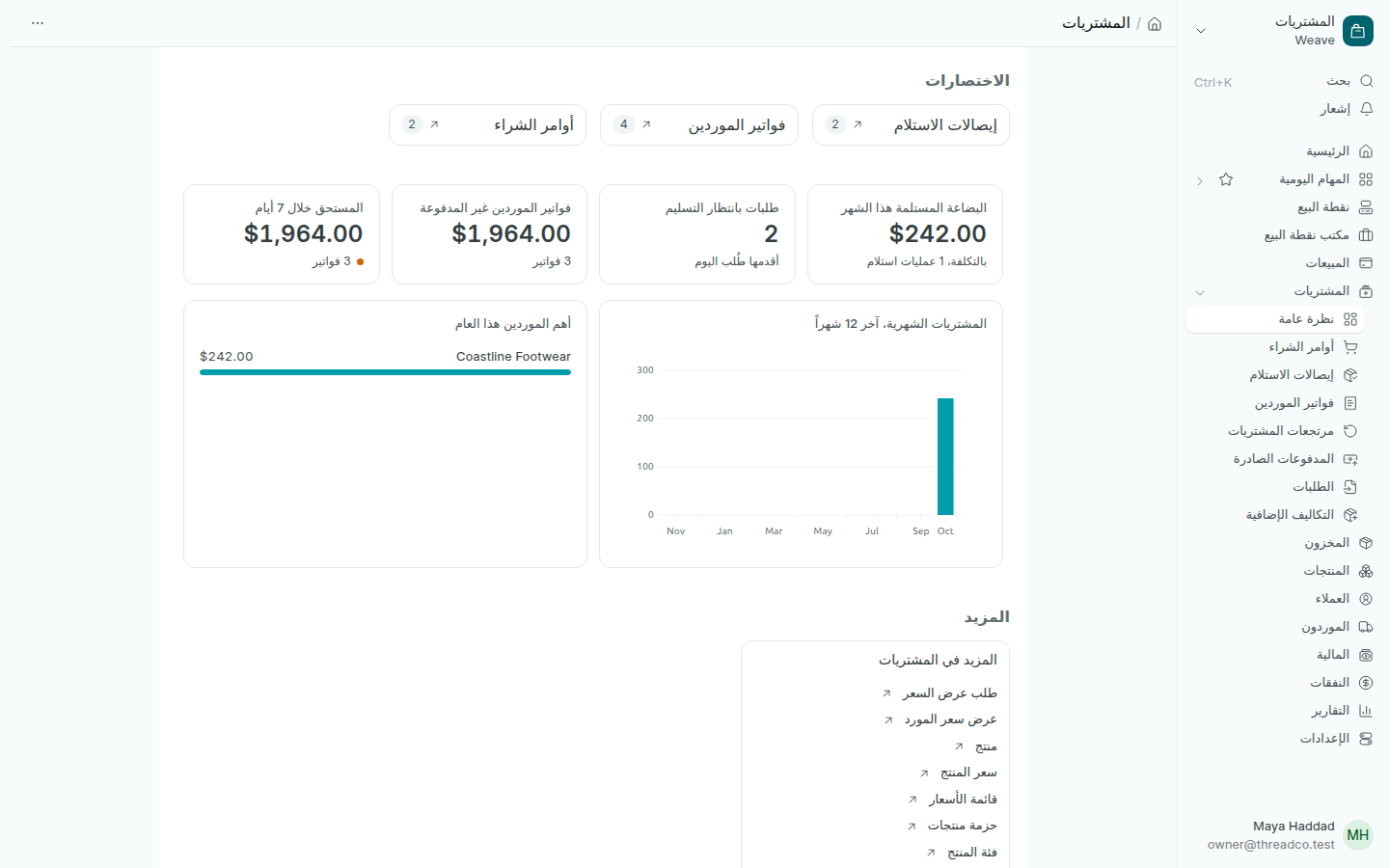
صفحة المشتريات
النقطة البرتقالية تعني أن شيئاً يستحق انتباهك.

الأرقام

  • البضاعة المستلمة هذا الشهر: قيمتها بالتكلفة وعدد عمليات الاستلام.
  • طلبات بانتظار التسليم: أوامر الشراء التي لم تصل بضاعتها بعد، ومنذ متى طُلب أقدمها.
  • فواتير الموردين غير المدفوعة: كل ما عليك للموردين، وعدد الفواتير.
  • المستحق خلال 7 أيام: ما يجب دفعه هذا الأسبوع.

الرسمان

المشتريات الشهرية، آخر 12 شهراً وأهم الموردين هذا العام. تحتهما في المزيد كل صفحات المشتريات الأخرى.
The Purchases page

What you received this month, what you are waiting for from suppliers, and what you have to pay and when.

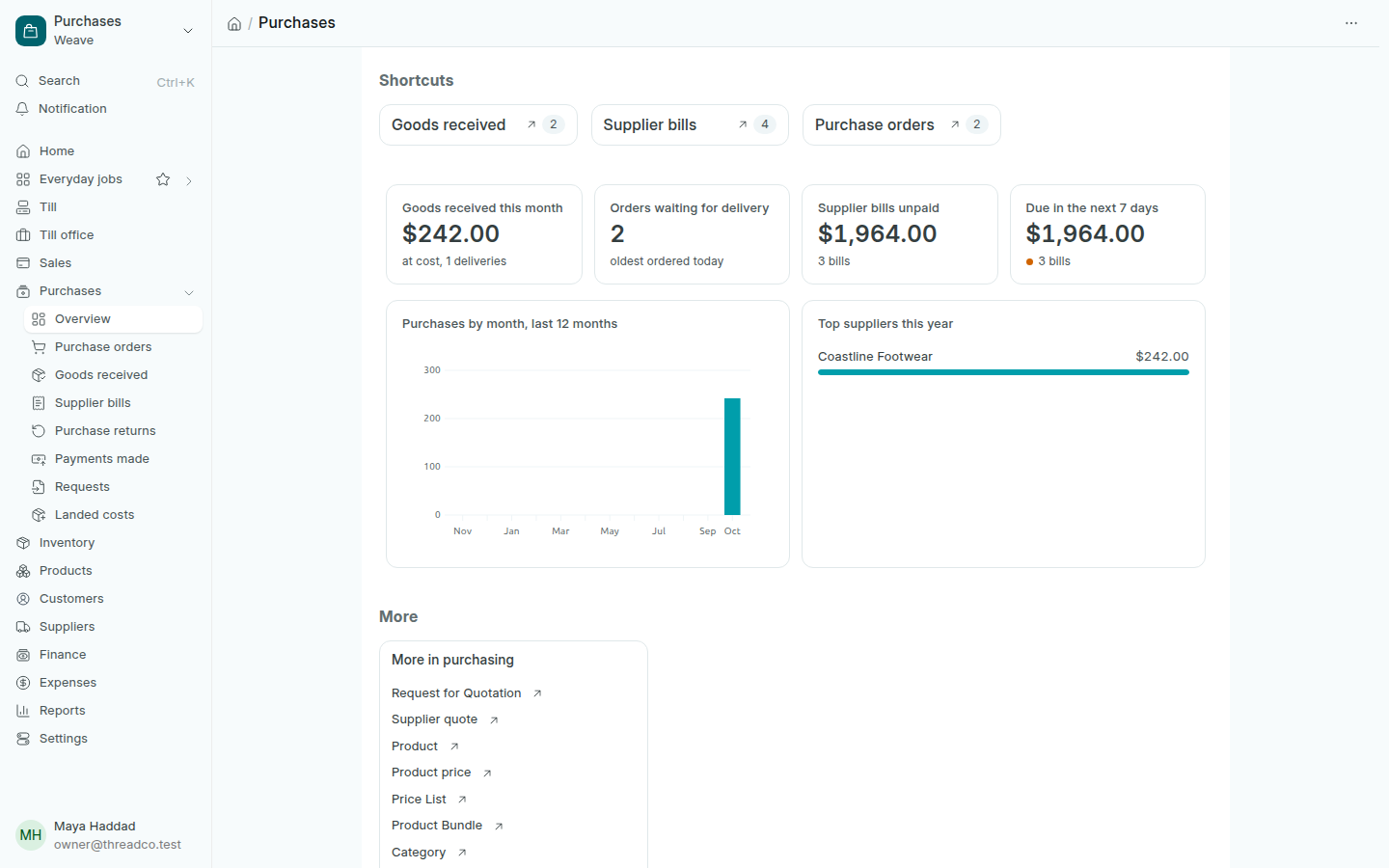
Open Purchases in the sidebar. The page starts with the shortcuts Goods received, Supplier bills and Purchase orders, then the figures.

The Purchases page
An orange dot means something needs your attention.

The figures

  • Goods received this month: their value at cost and the number of deliveries.
  • Orders waiting for delivery: purchase orders whose goods have not arrived, and how long ago the oldest was ordered.
  • Supplier bills unpaid: everything you owe suppliers, and the number of bills.
  • Due in the next 7 days: what has to be paid this week.

The charts

Purchases by month, last 12 months and Top suppliers this year. Below them, More lists every other purchasing page.